 Vaeroly
Videos
Short videos that show how it works, about a minute each.
For pilots
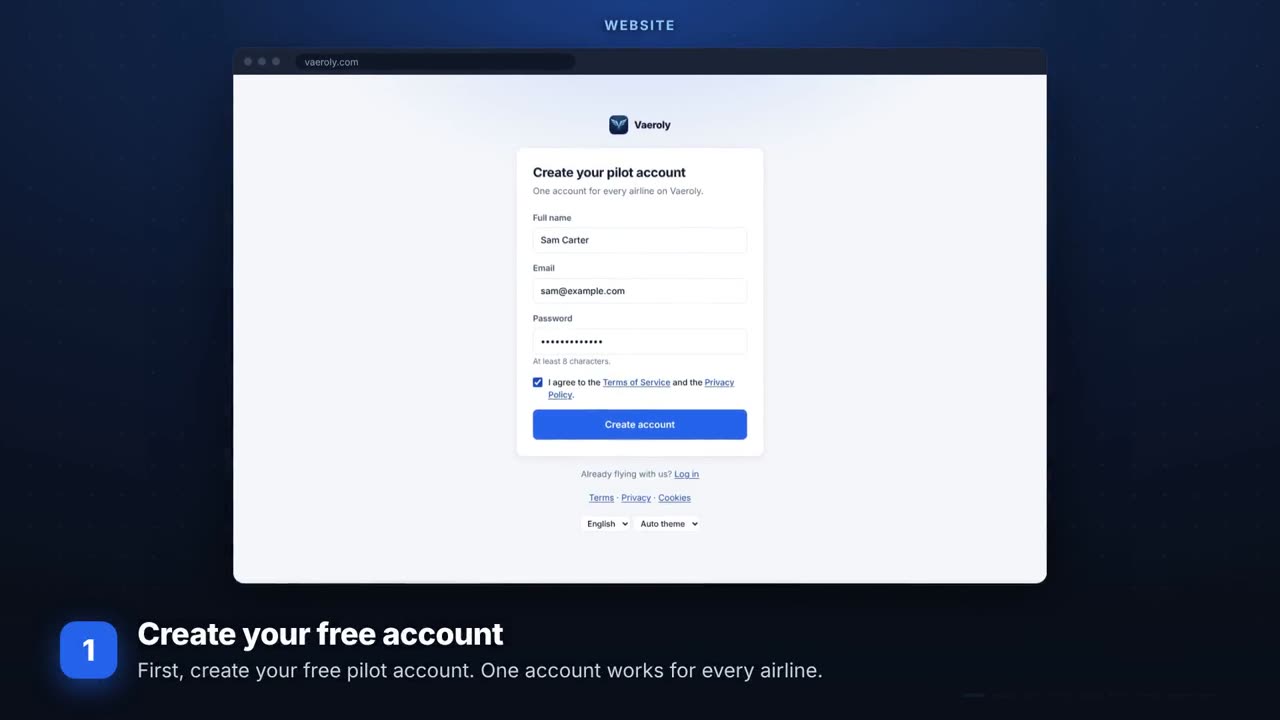 Your first flightSign up, join an airline, book a flight and fly it with Vaeroly ACARS.
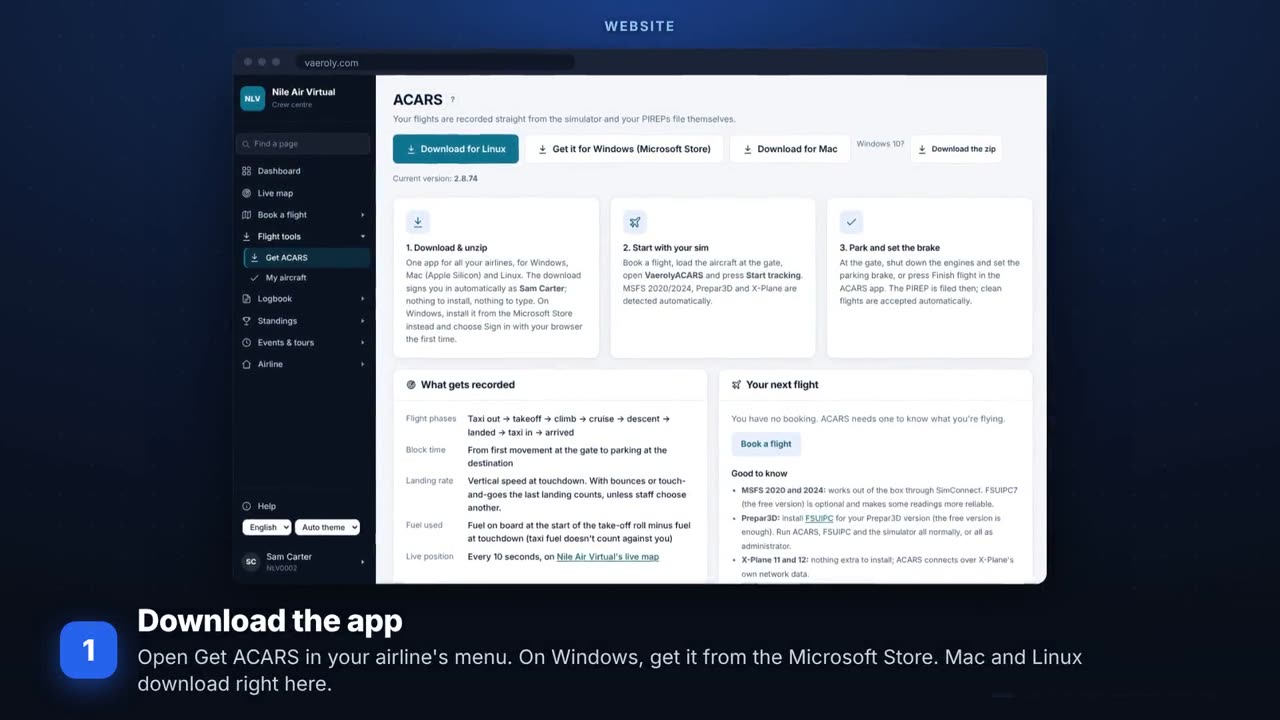 Install Vaeroly ACARS and sign inGet the app for Windows, Mac or Linux and sign in with your browser.
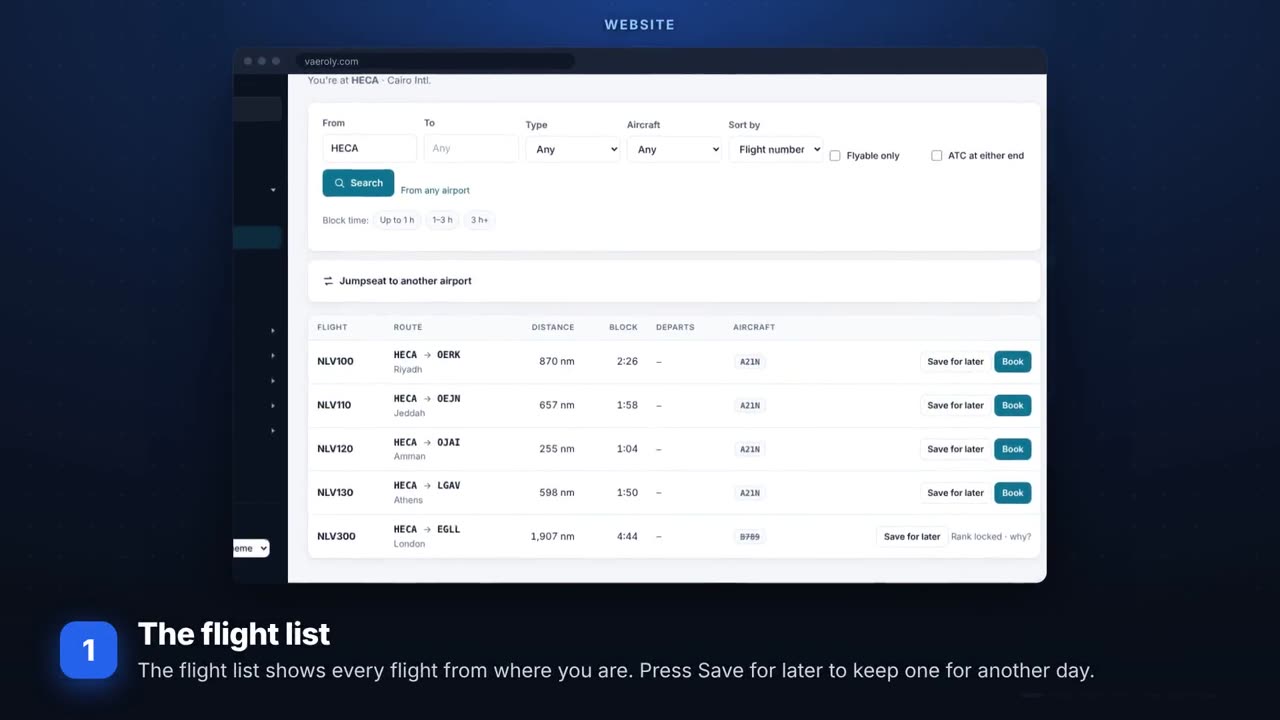 Book smarterThe flight list, Dispatch me, saved flights and the return flight.
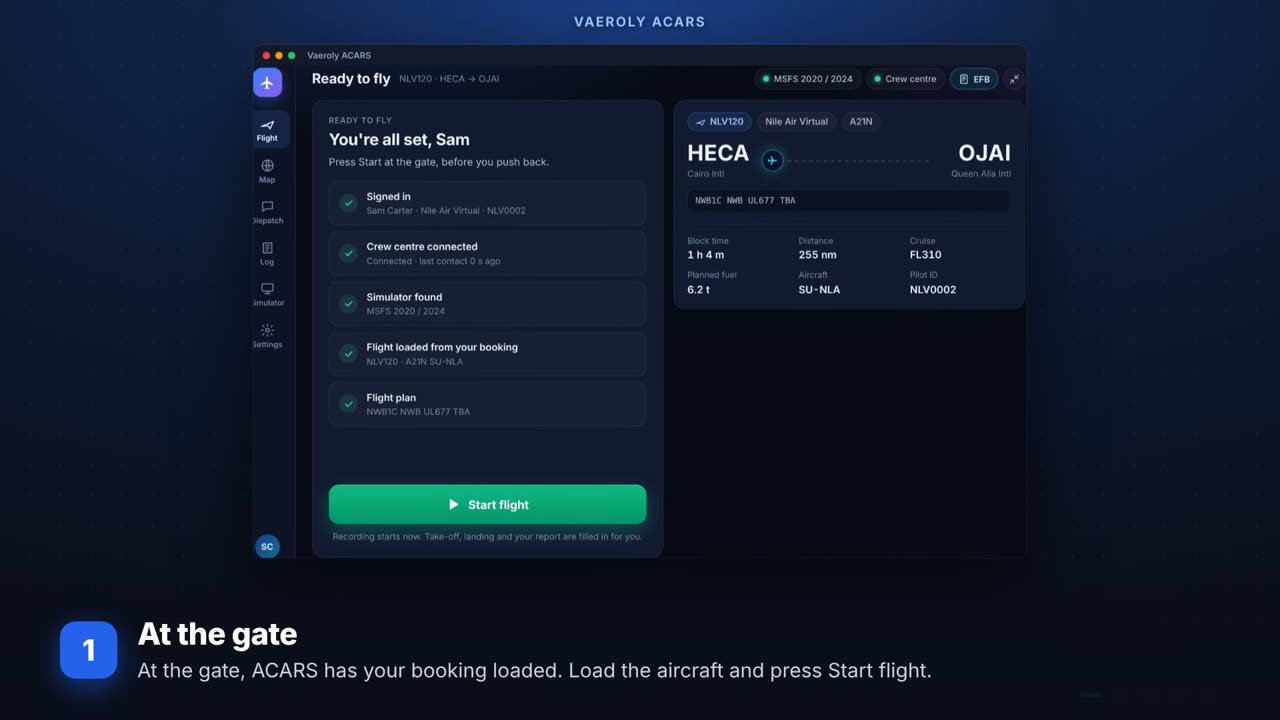 During the flightPhases, dispatch messages, Finish versus Stop tracking, and what a diversion changes.
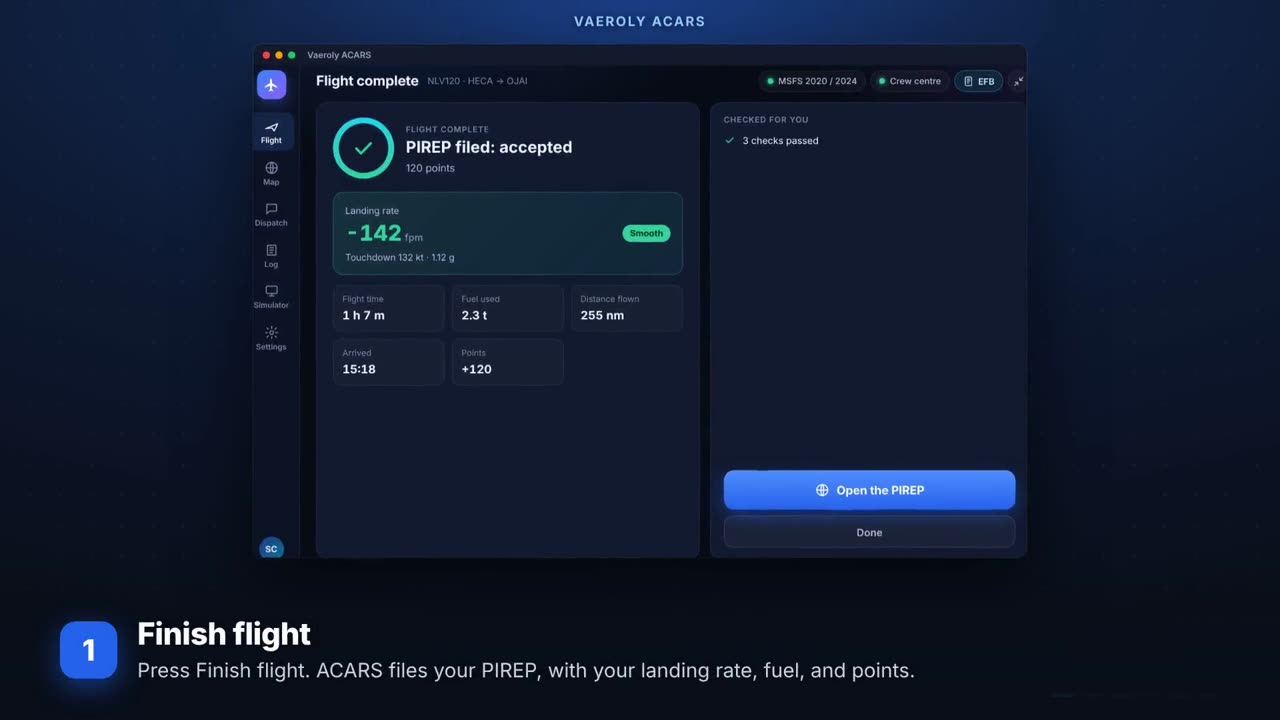 After you landYour PIREP, what its status means, your flight profile and your landings.
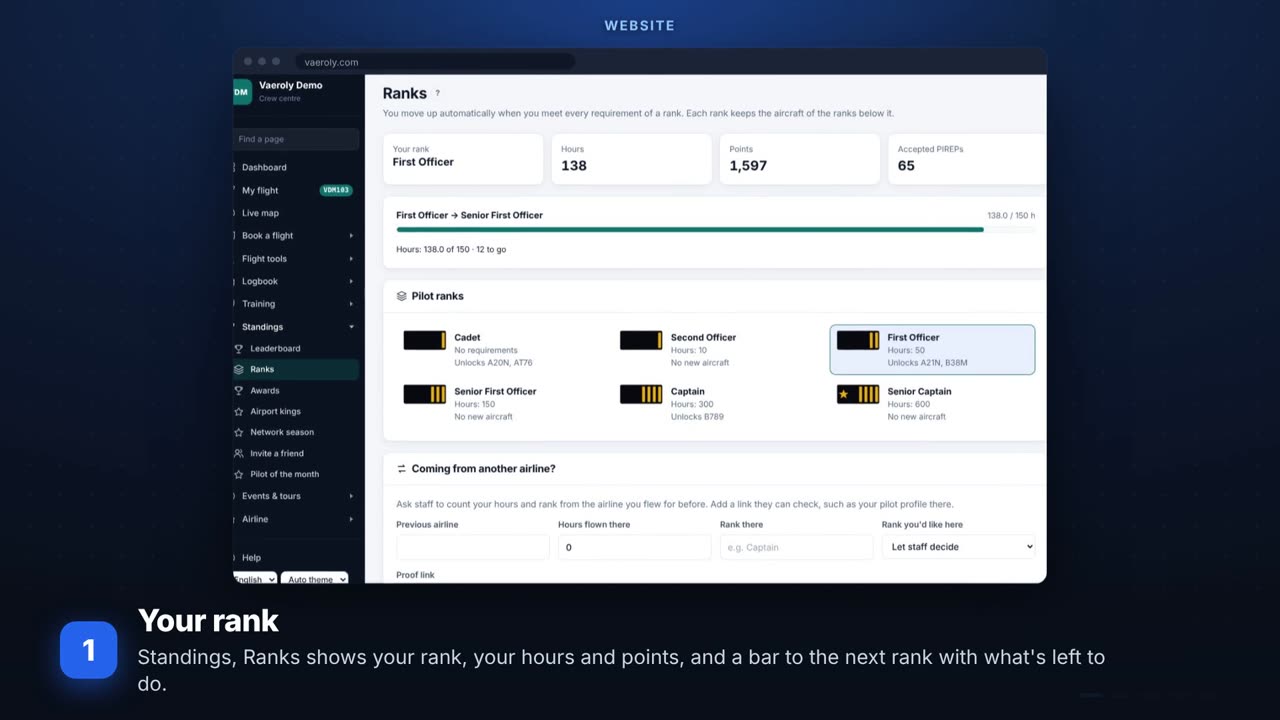 Ranks, points and awardsHow you move up a rank, where points come from, awards, your passport and the leaderboard.
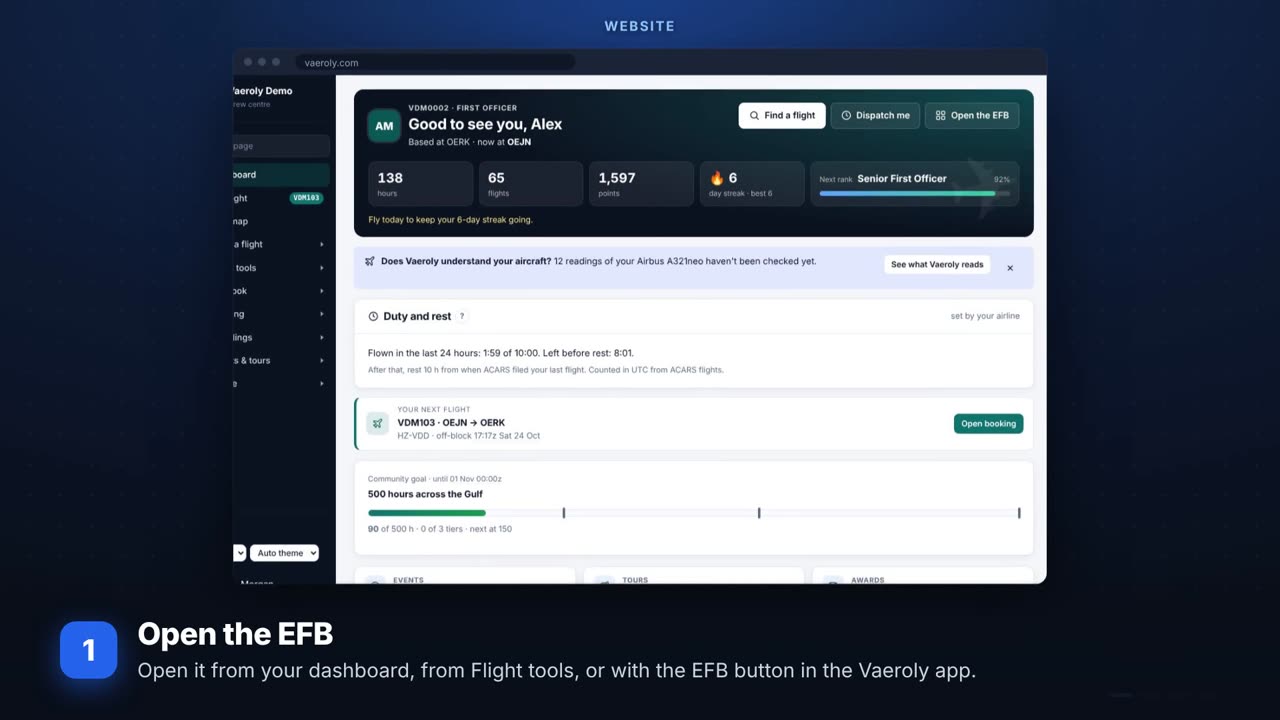 The EFBYour flight on a phone or tablet: the flight, checklists, datalink and traffic.
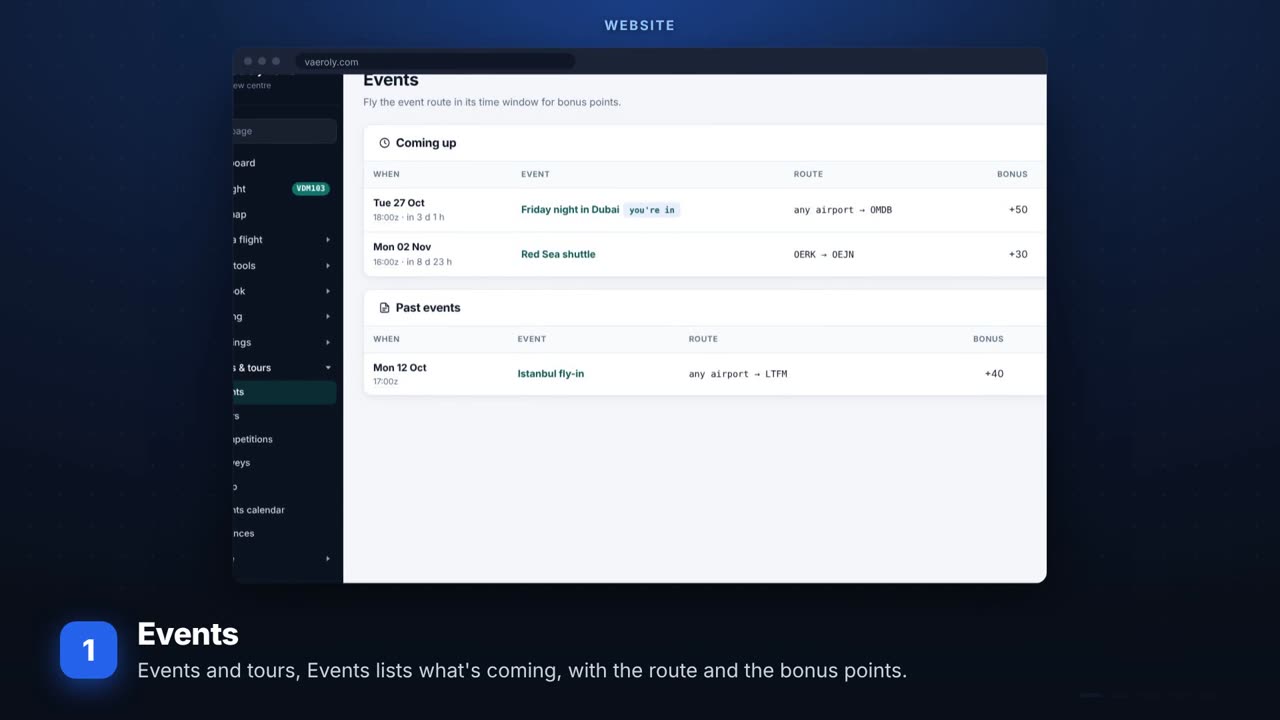 Events, tours and leaguesFly together for bonus points: events, tours of several legs, goals, duels and leagues.
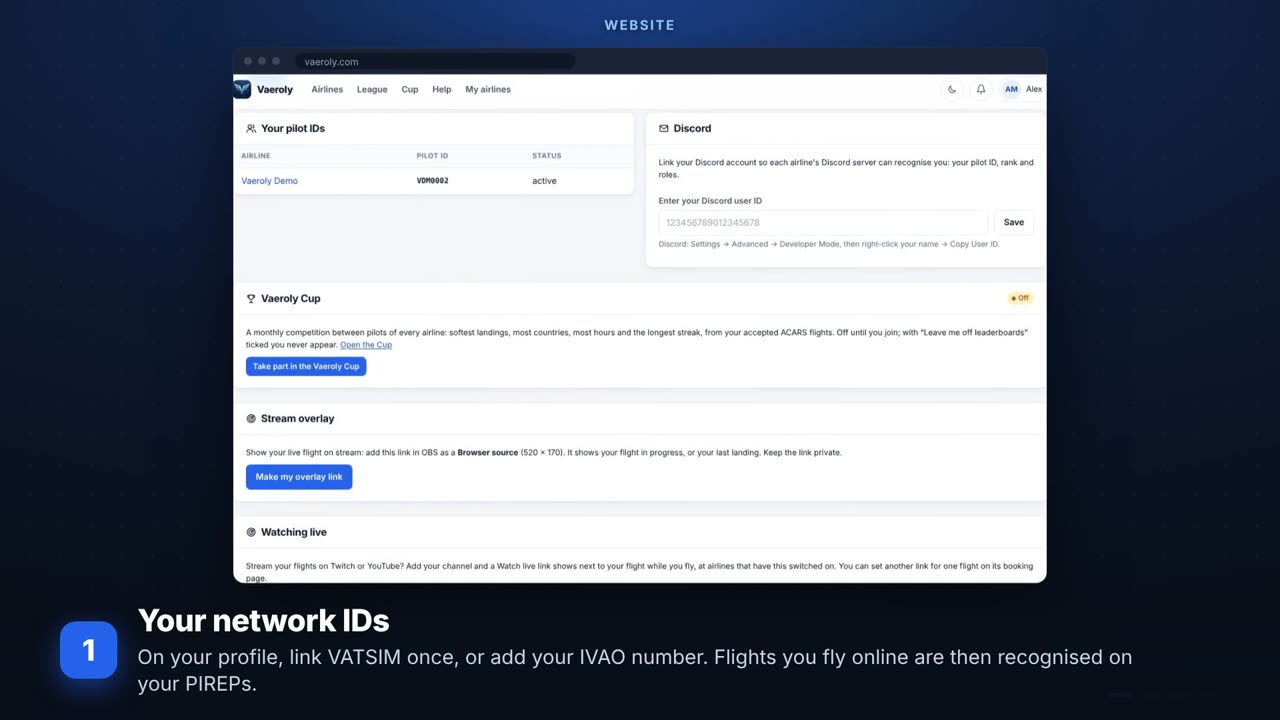 Flying on VATSIM or IVAOYour network IDs, flights with ATC online, filing on a network and practising the radio calls.
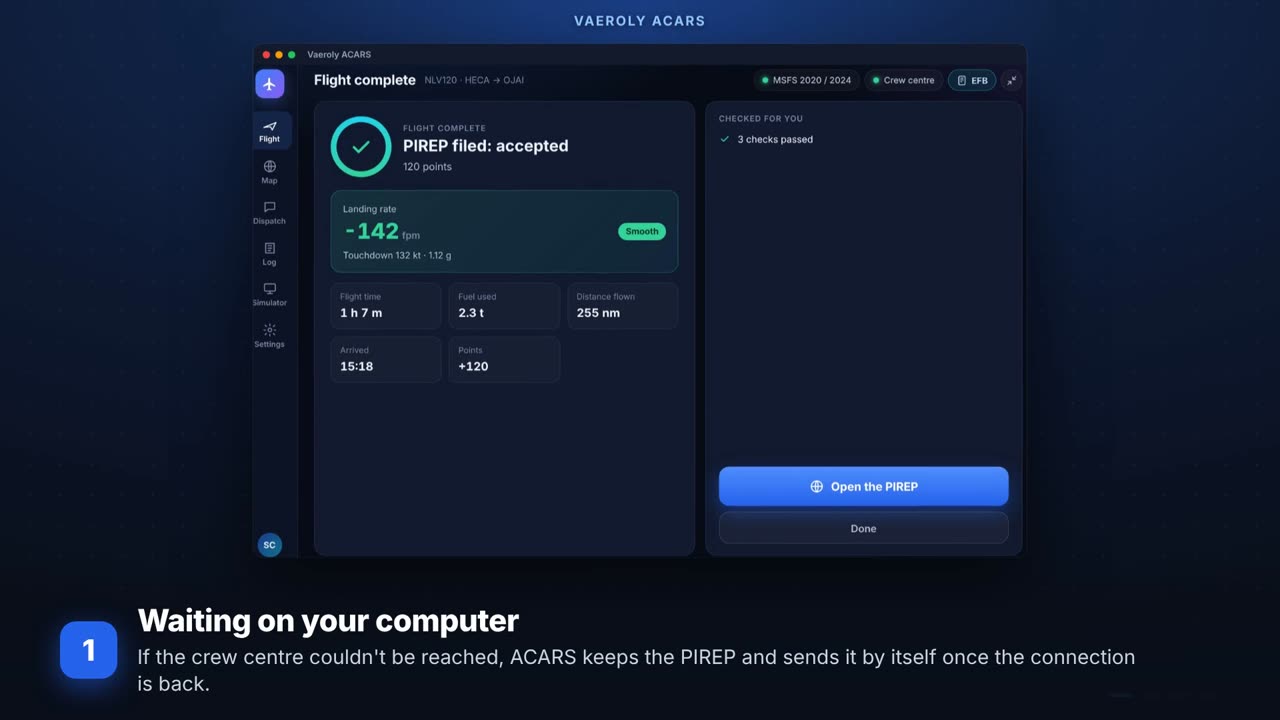 When a flight wasn't recordedA PIREP waiting on your computer, teaching Vaeroly your aircraft, claims, and the status page.
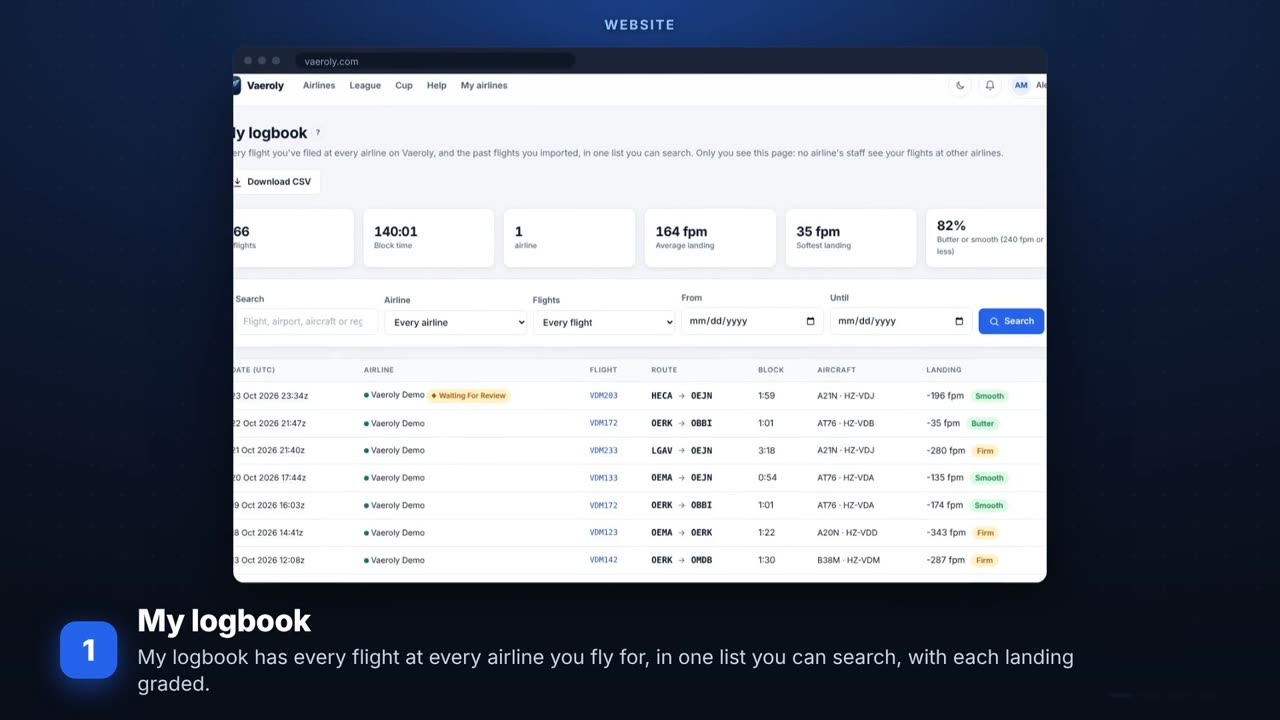 Your logbook and remindersOne logbook across airlines, the calendar link, the bell and your email choices.
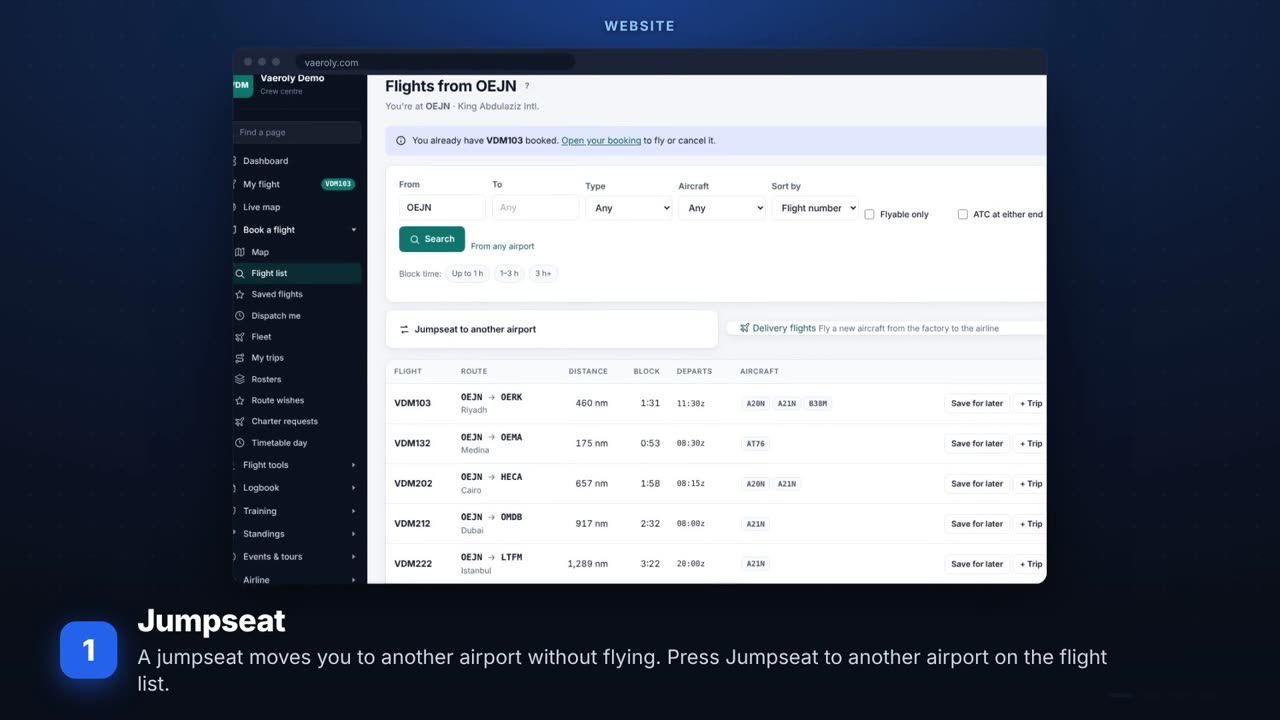 Getting to the aircraftJumpseats, where each aircraft is parked, delivery flights from the factory, and the return flight.
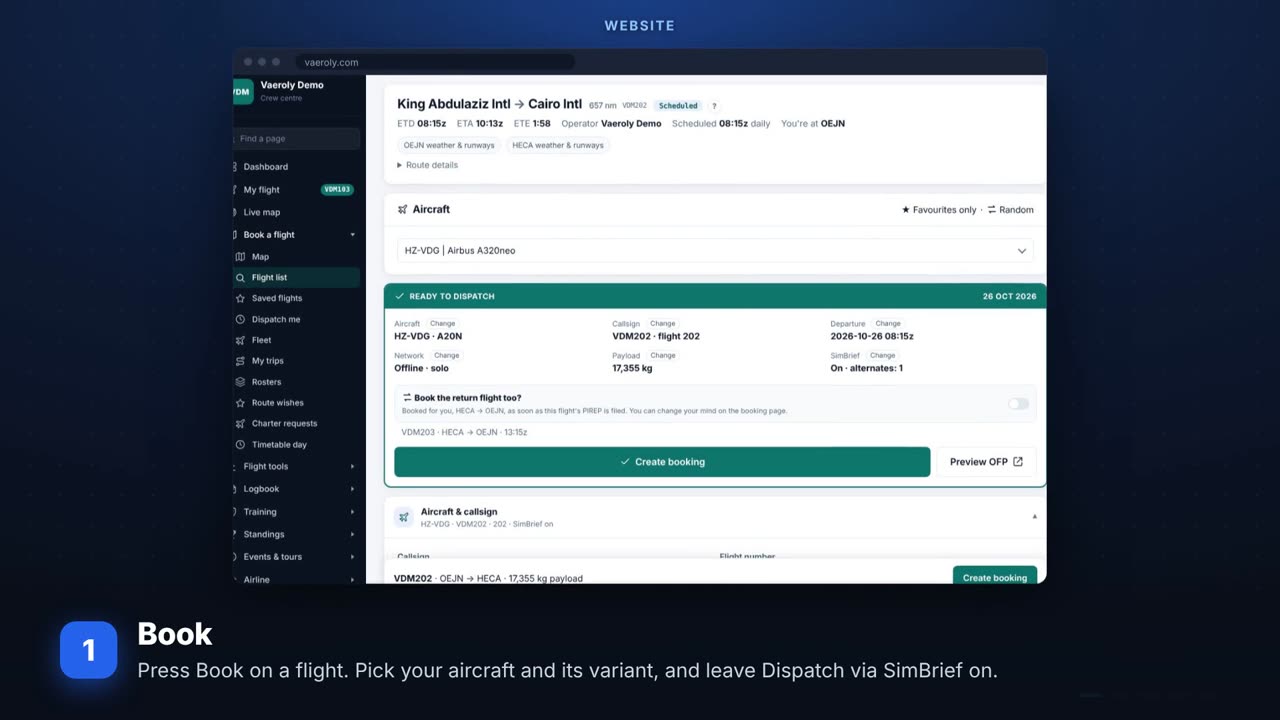 Planning with SimBriefBooking with SimBrief, aircraft variants, the booking page, route history and timetable days.
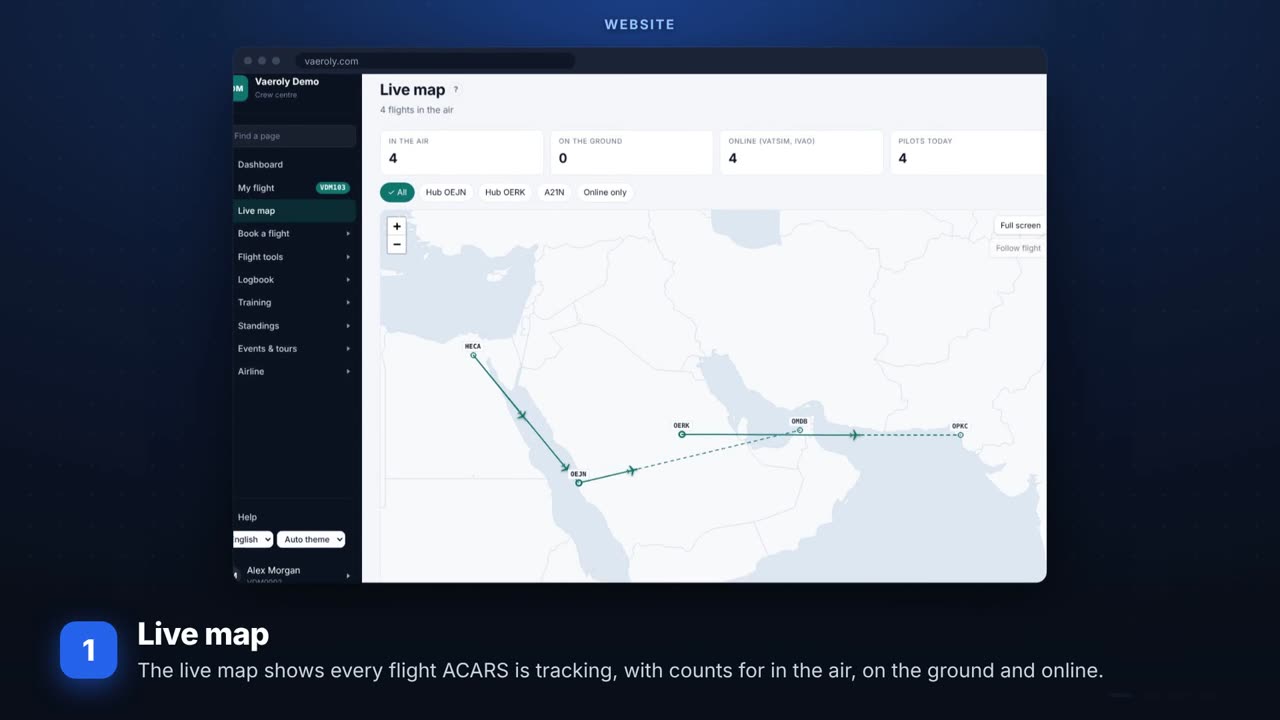 The live mapEvery flight in the air on one map, watching pilots stream, the spotter guide and the departures board.
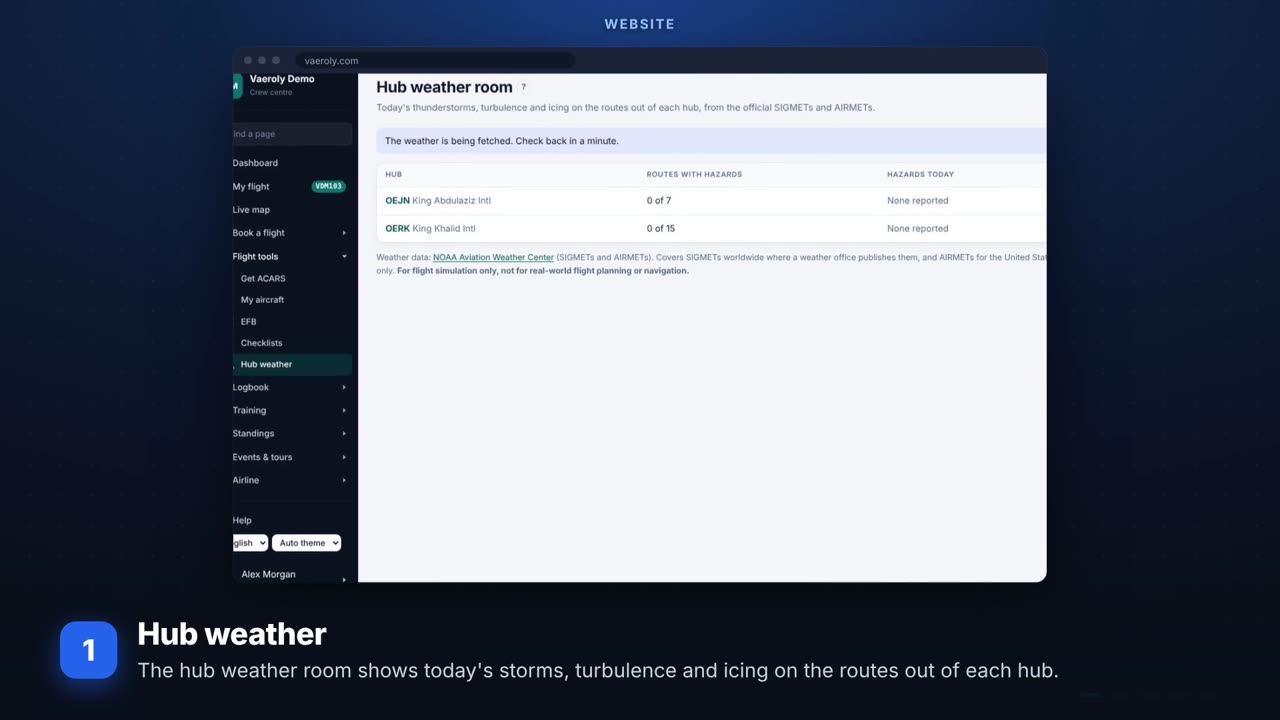 Your hub and its airportsThe hub weather room, airport pages, airport tips, our crew here, and airport kings.
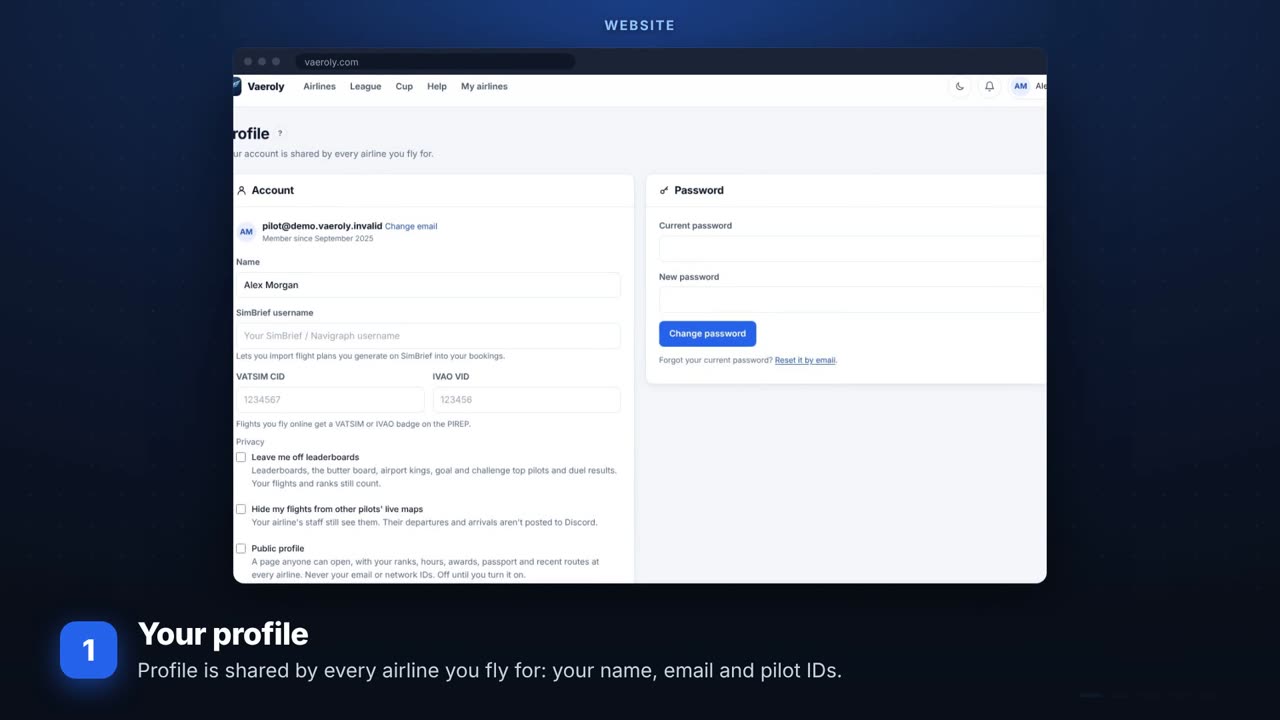 Your profile and privacyYour account, who sees you and your flights, two-step login and passkeys, your data, and the bell.
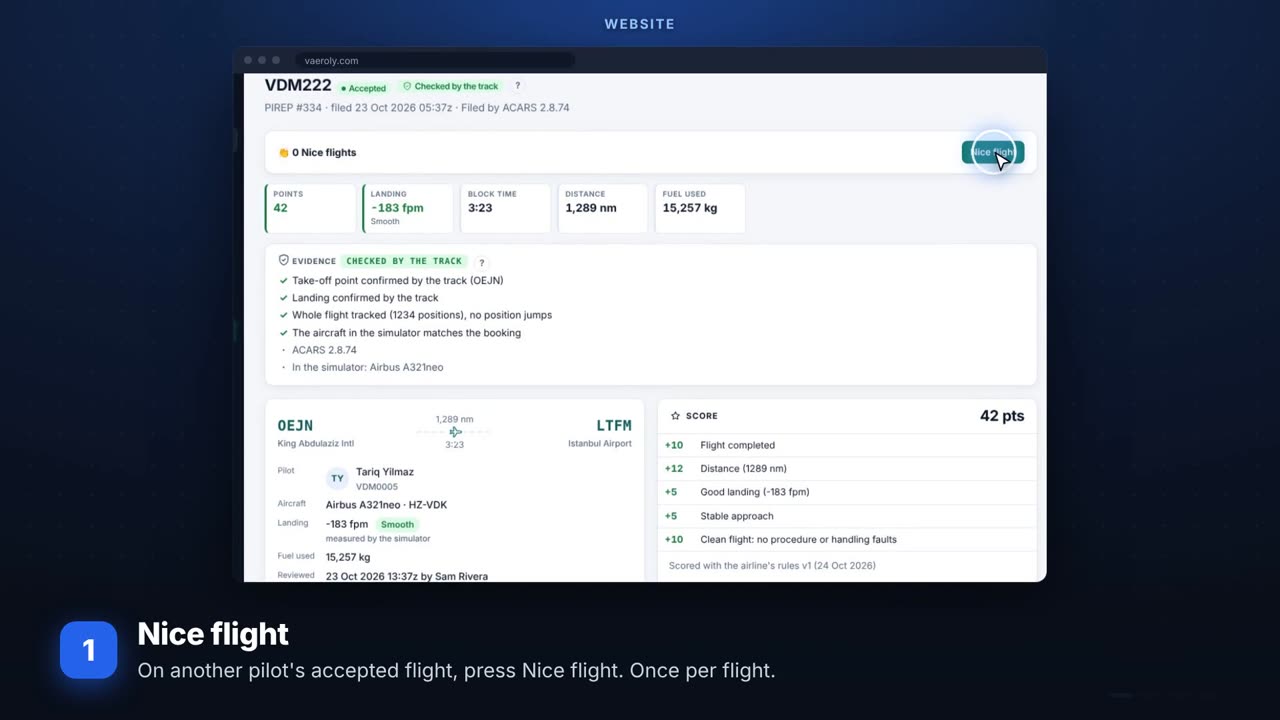 Nice flights and pilot of the monthSaying nice flight, your flight picture, pilot of the month and on-time performance.
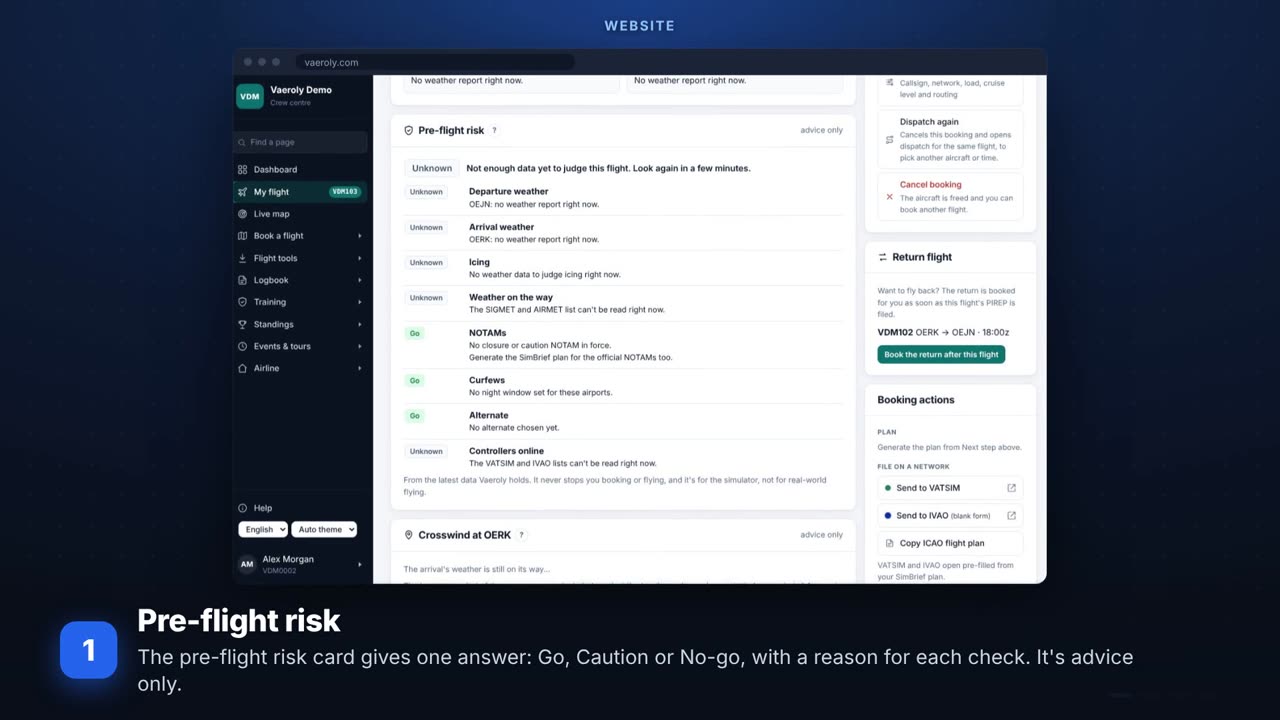 Safety checks before you flyThe pre-flight risk card, the crosswind check, de-icing in winter, crew rest and safety reports.
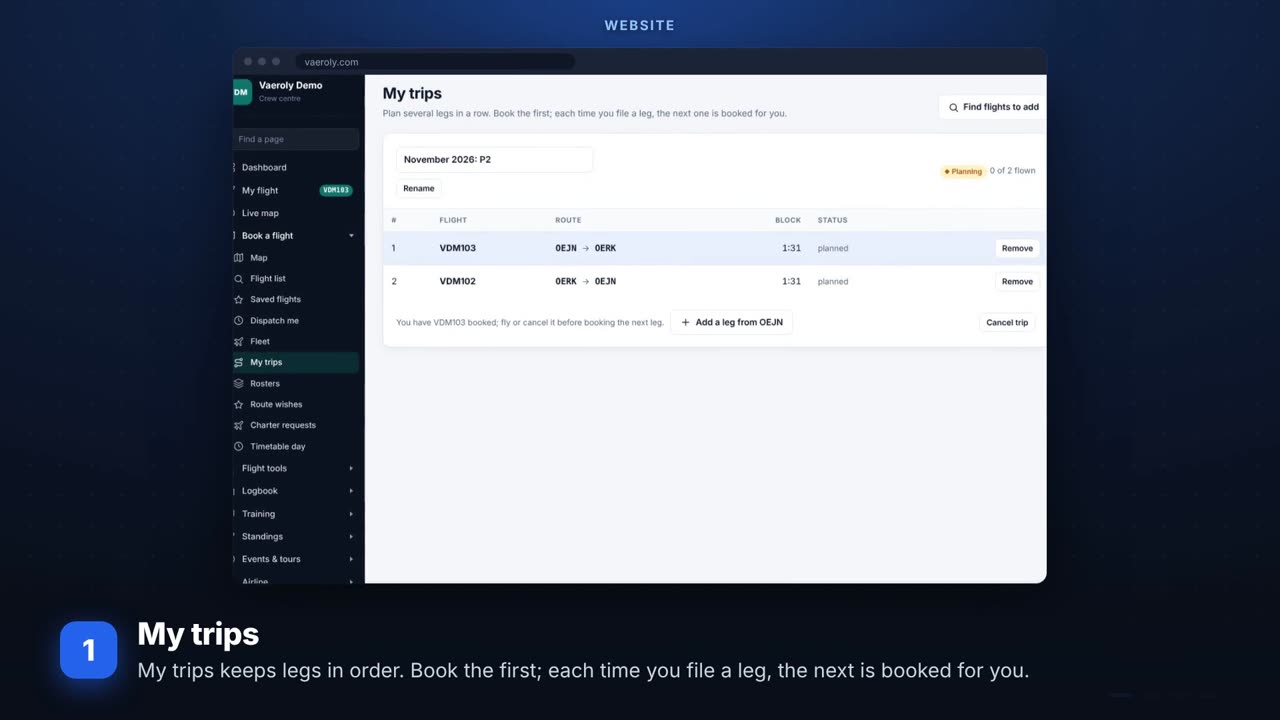 Charter trips and personal goalsPlanning a charter trip of several legs, My trips, and setting your own goals.
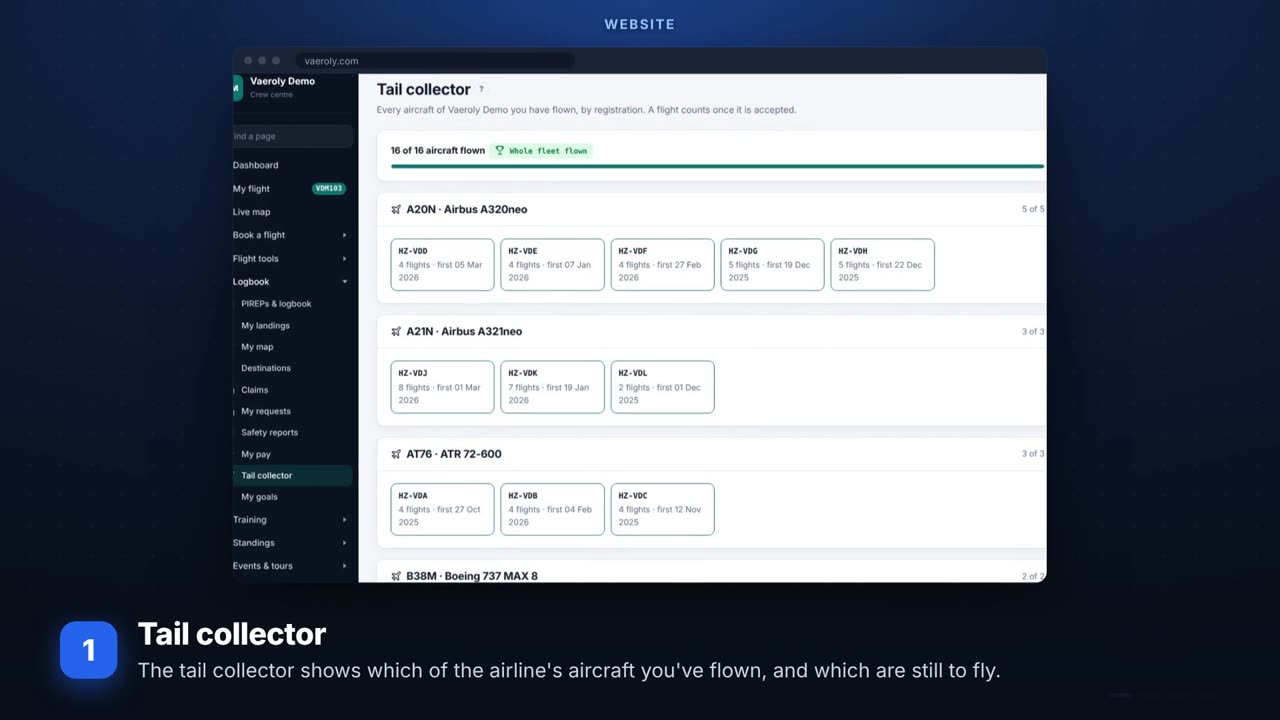 Your collectionsThe tail collector, aircraft type pages, your airline's history and the route map poster.
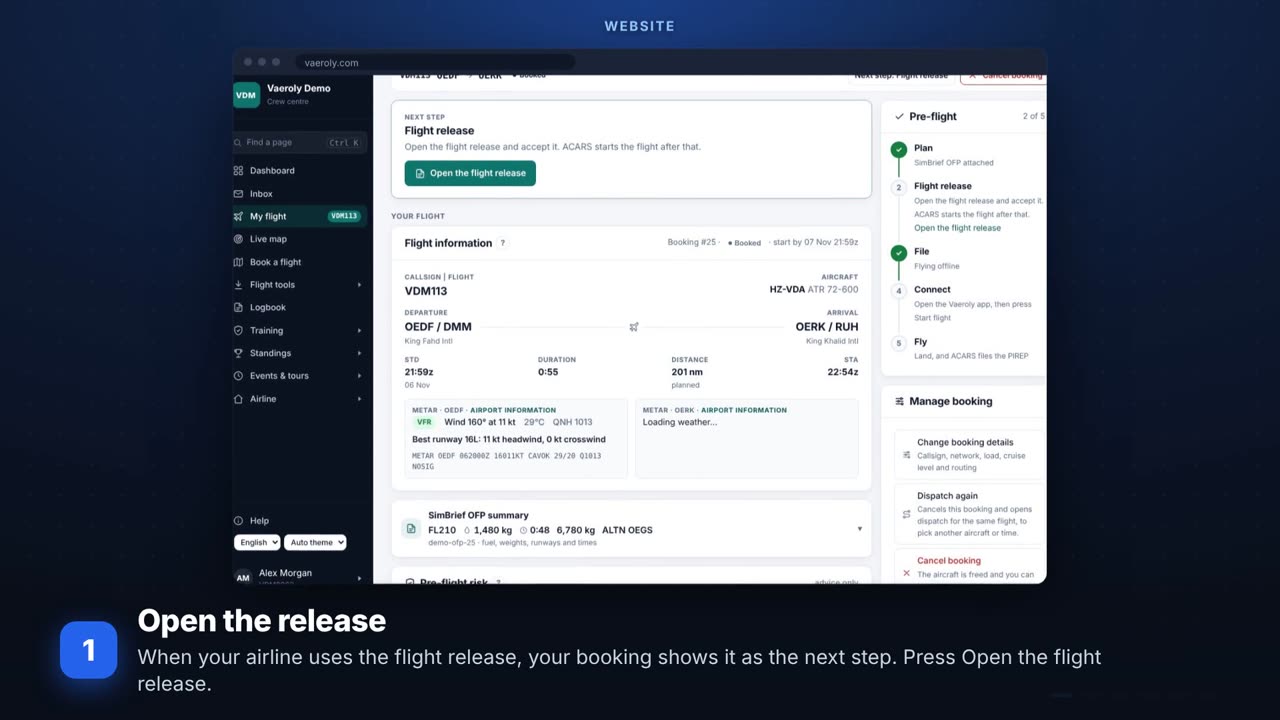 Flight release and tech logAccepting the flight release before you fly, and writing up faults in the tech log.
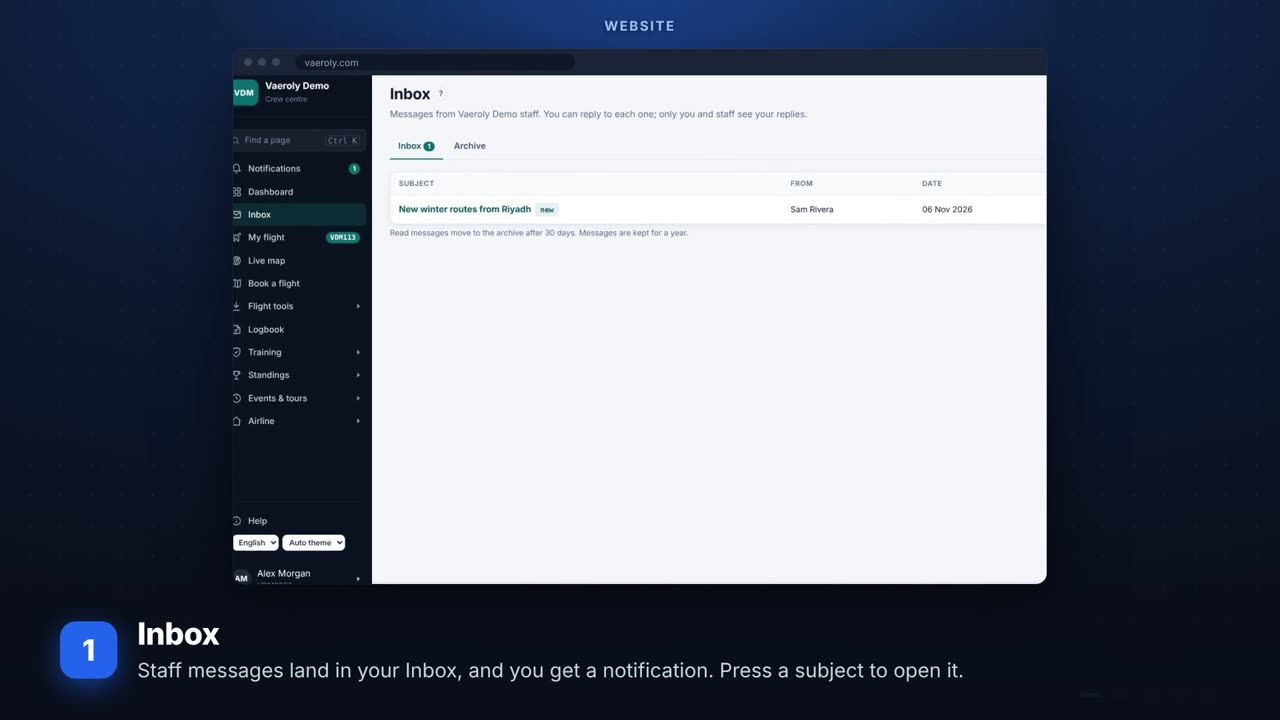 Talking to your staffYour inbox, questions about a PIREP, asking for a hub transfer, and My requests.
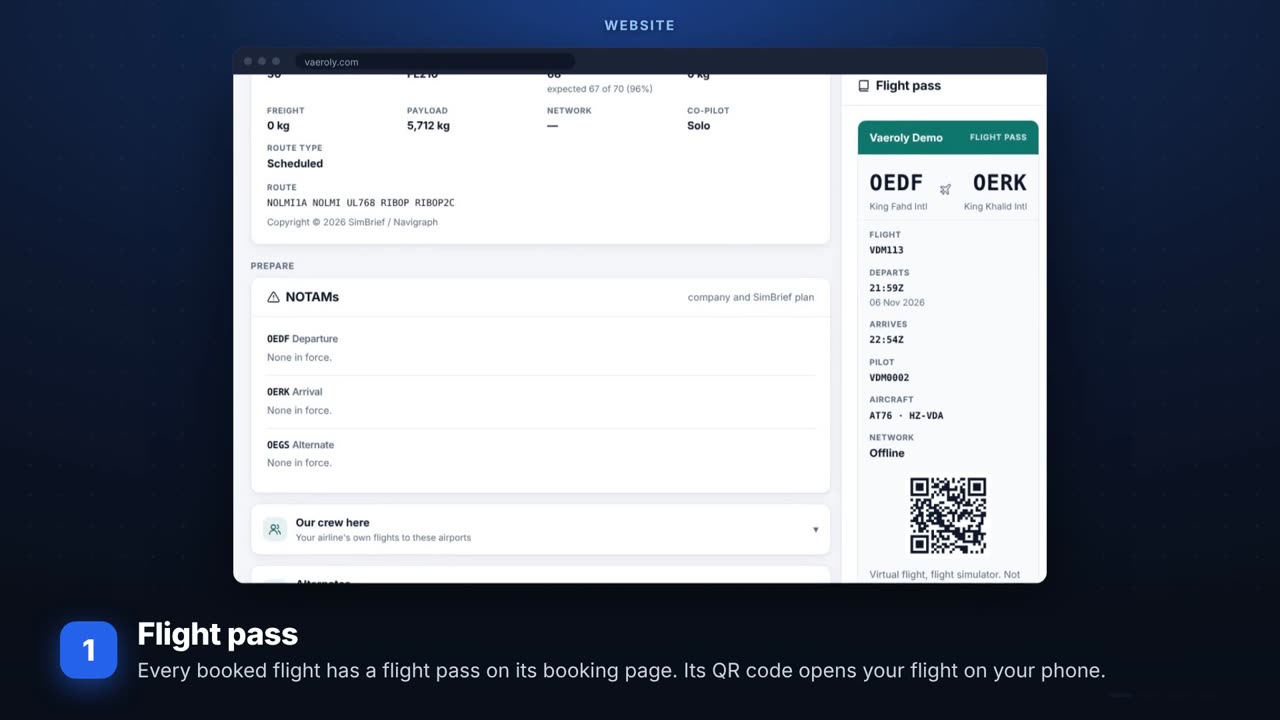 Your phone and your flight passYour flight pass with its QR code, and choosing which notifications reach your phone.
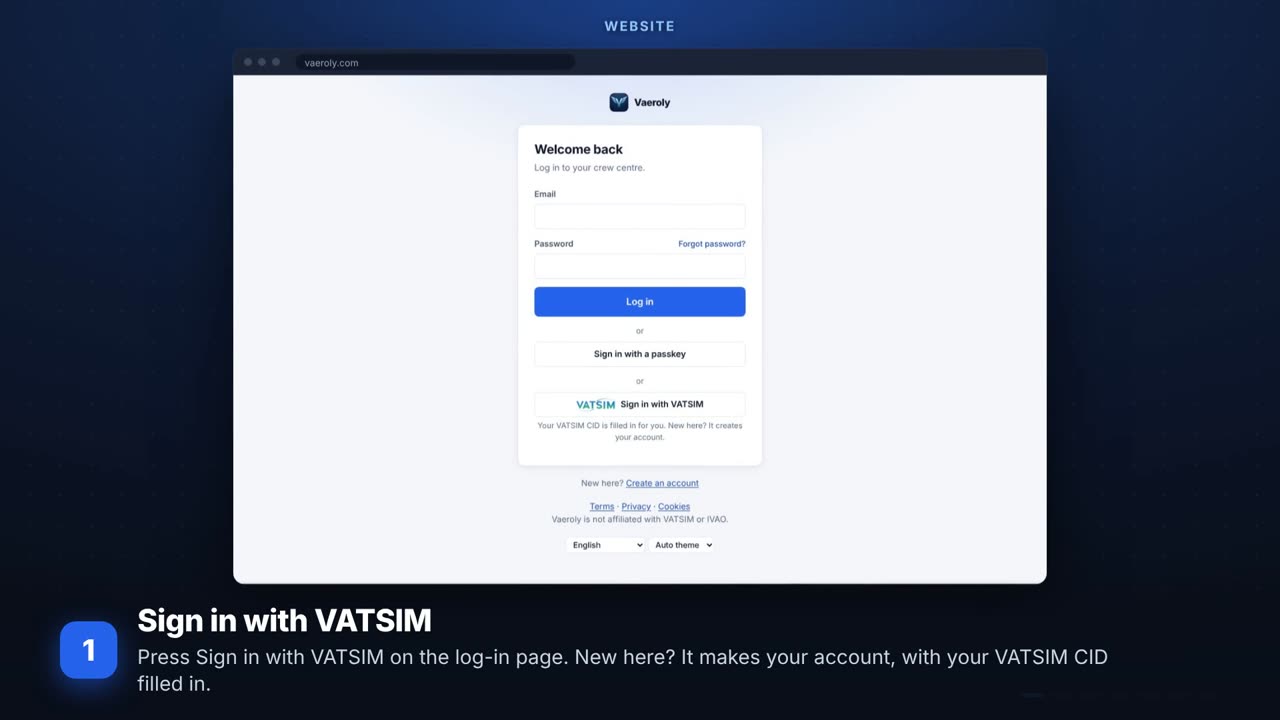 VATSIM and the real pilot badgeSigning in with VATSIM, keeping your VATSIM track for claims, and asking for the real-world pilot badge.
For airline staff
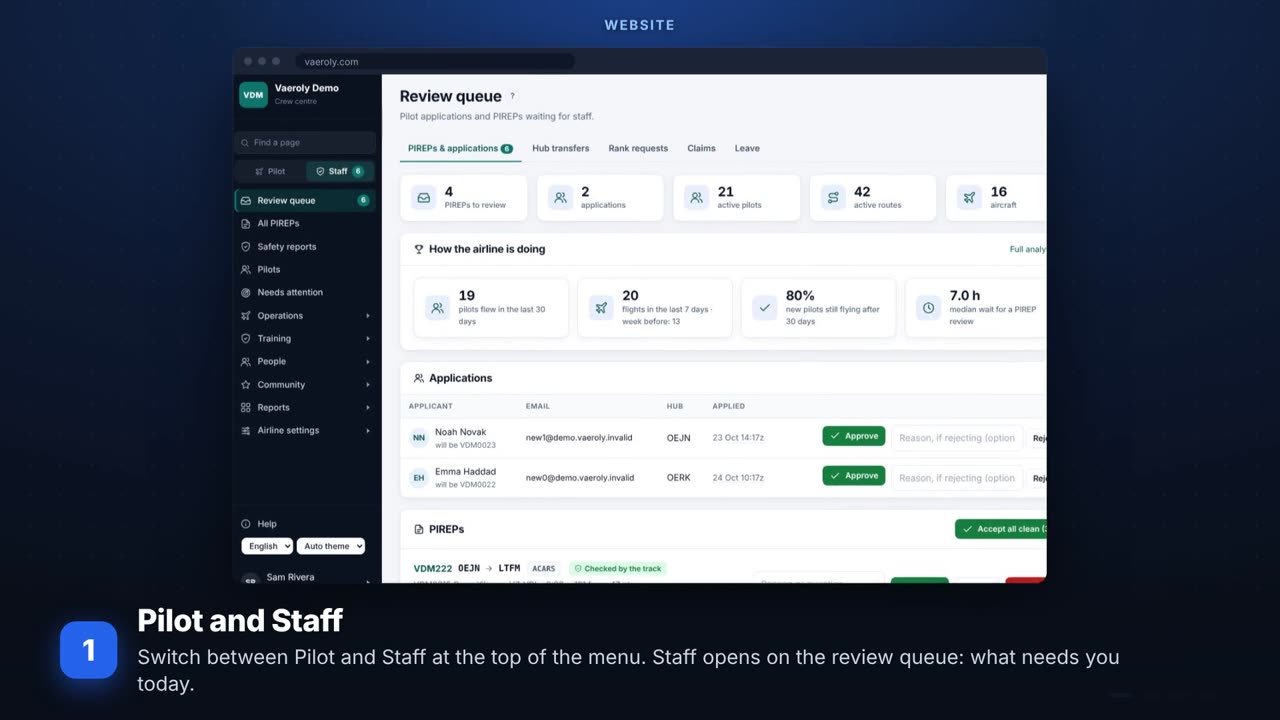 The staff side in 90 secondsThe review queue, how the airline is doing, the pilots who need attention, and where each tool lives.
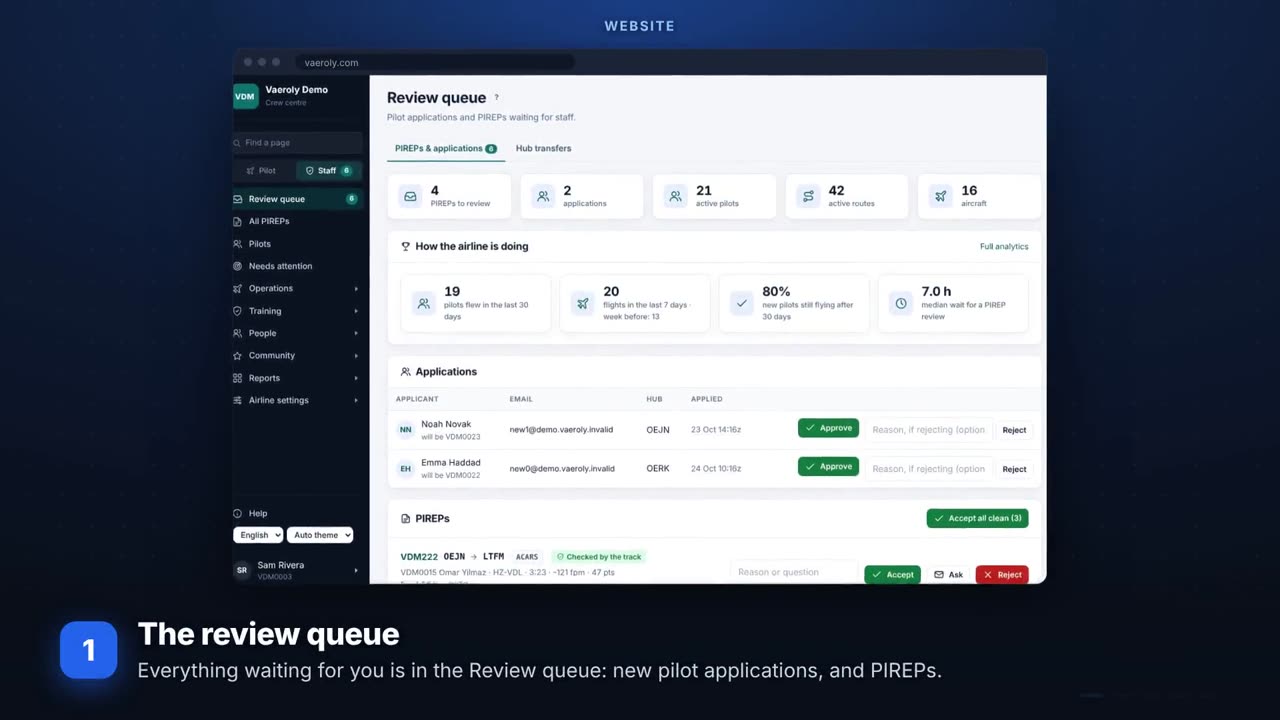 Reviewing PIREPsThe review queue, the evidence on a PIREP, and accepting, asking or rejecting.
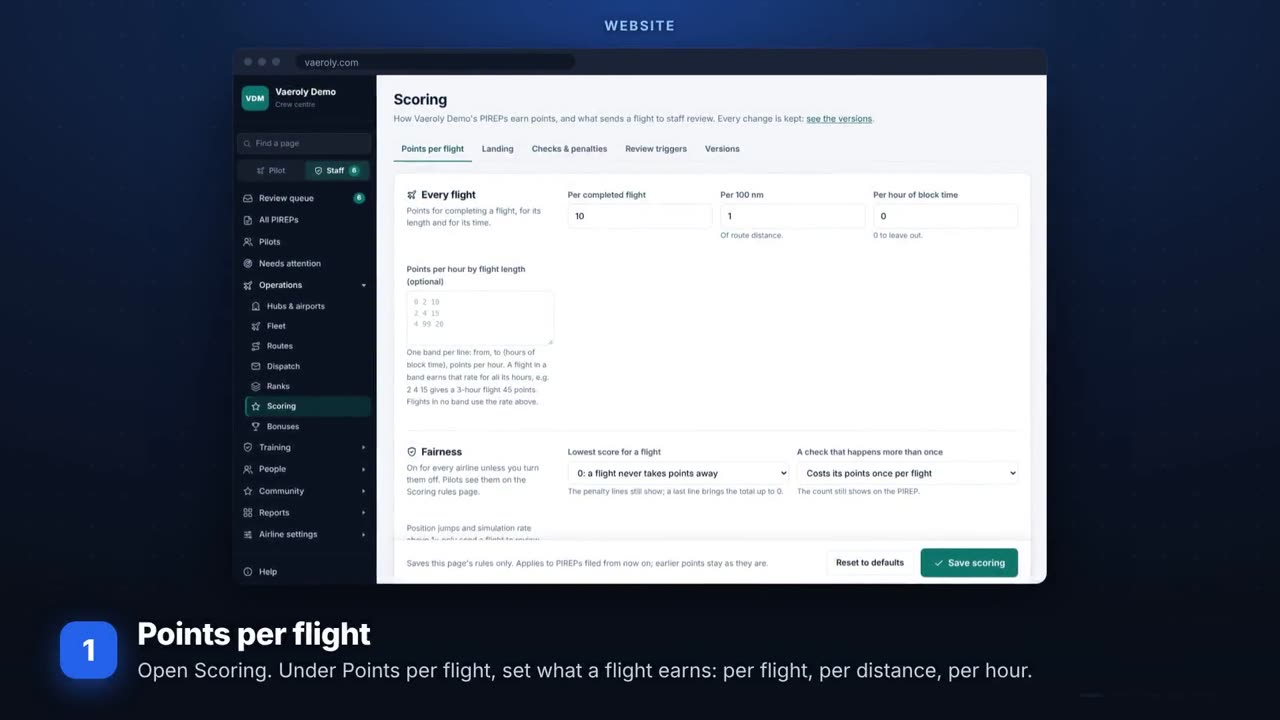 Let clean flights accept themselvesPoints, landing, checks and the review triggers that decide what staff see.
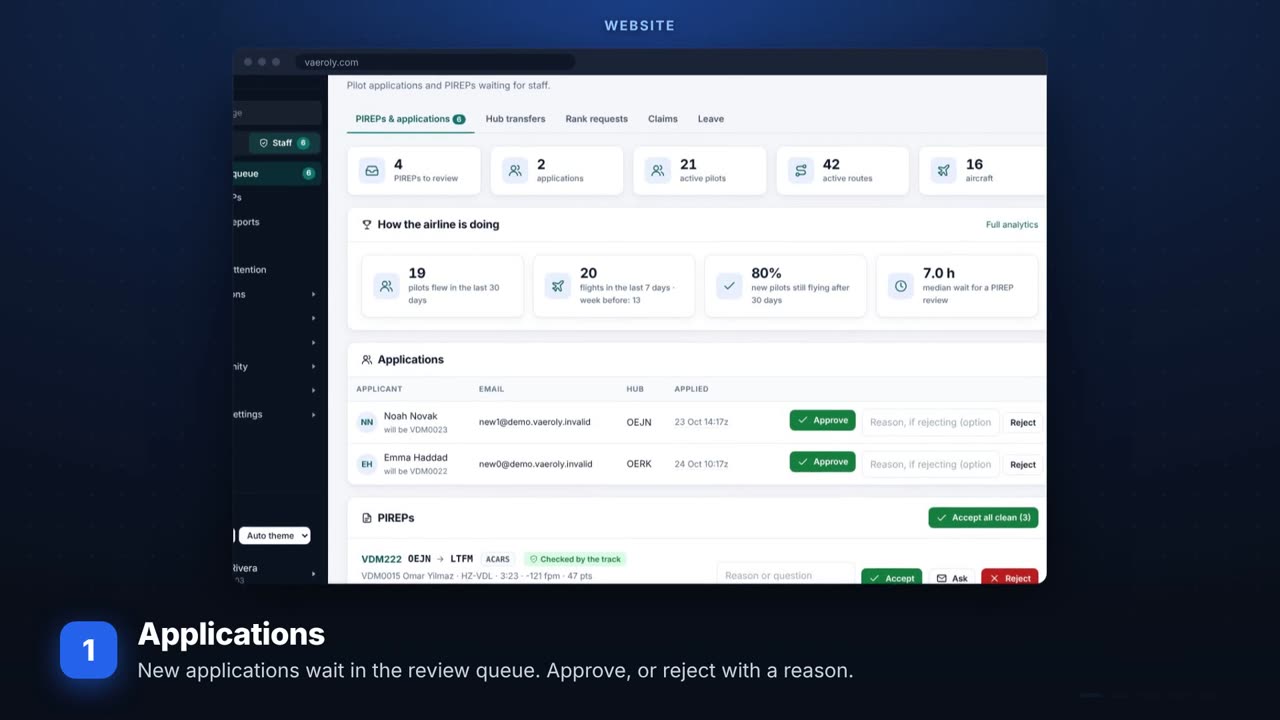 New pilots and pilot recordsApproving applications, recruitment steps, staff notes, changing many pilots at once and the activity rules.
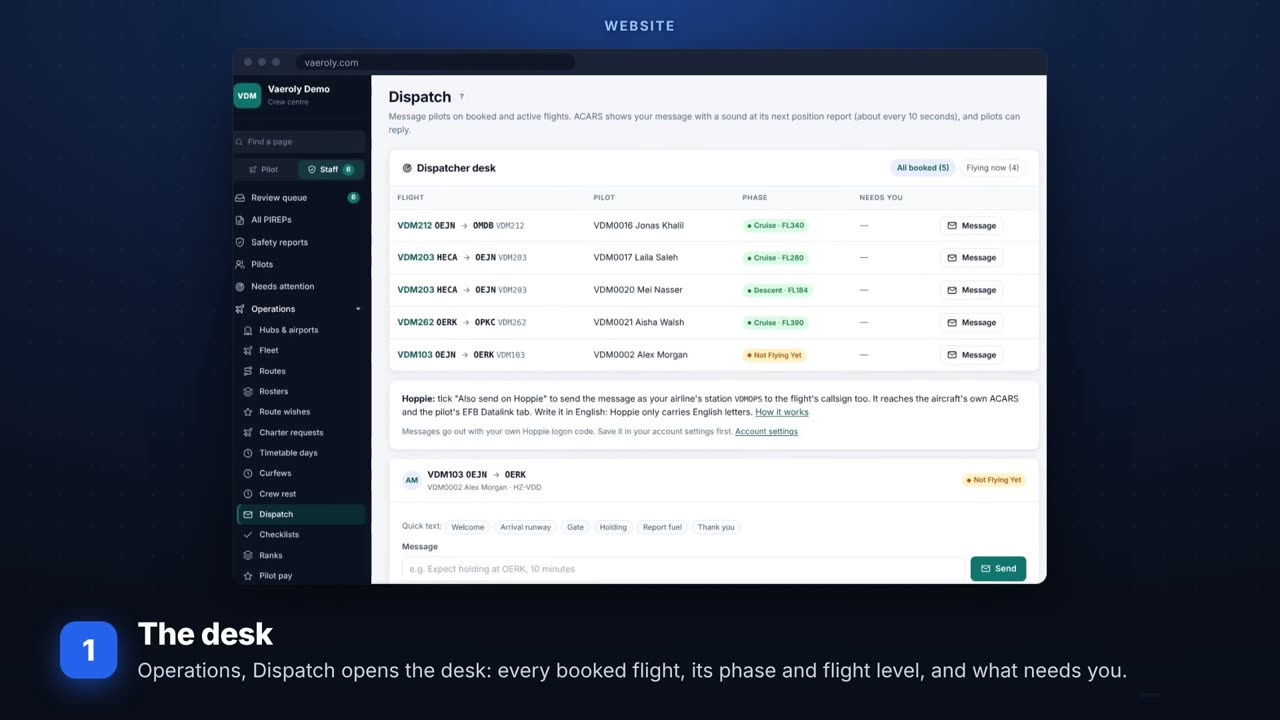 DispatchThe dispatcher desk, messaging a flight in the air, quick texts and Hoppie.
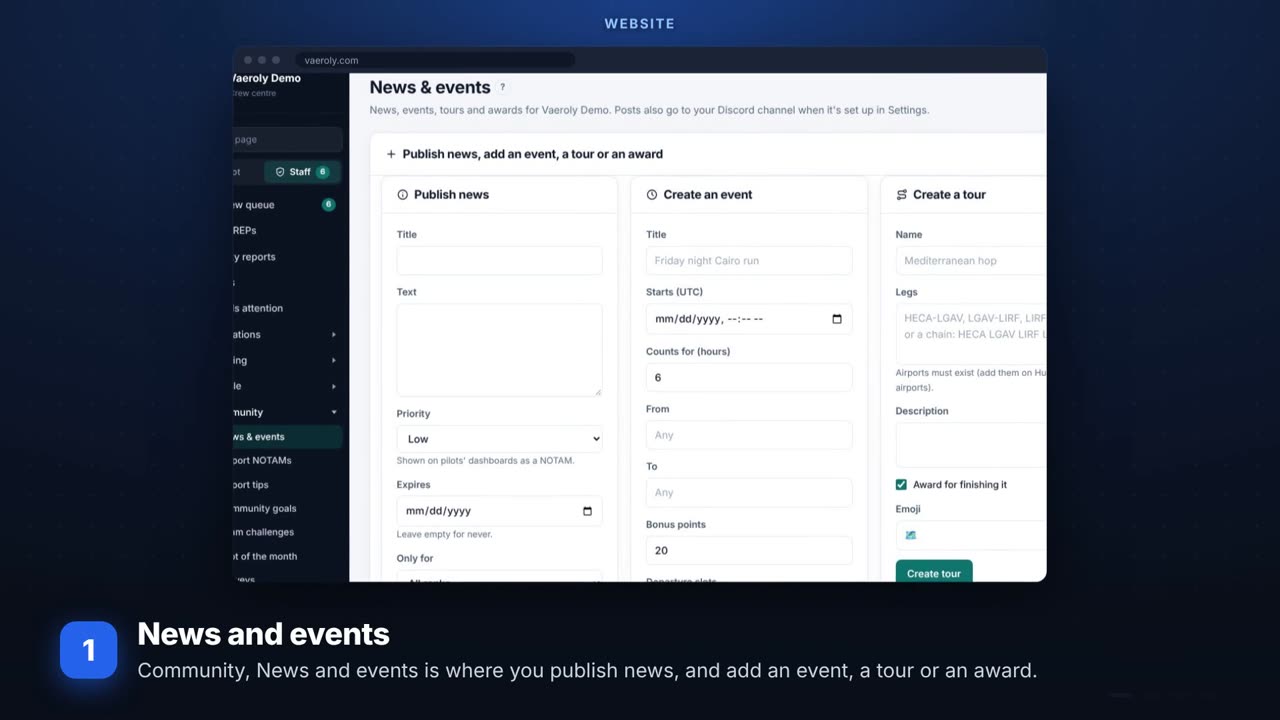 Make events and toursNews, events with bonus points, tours, focus airports and events with other airlines.
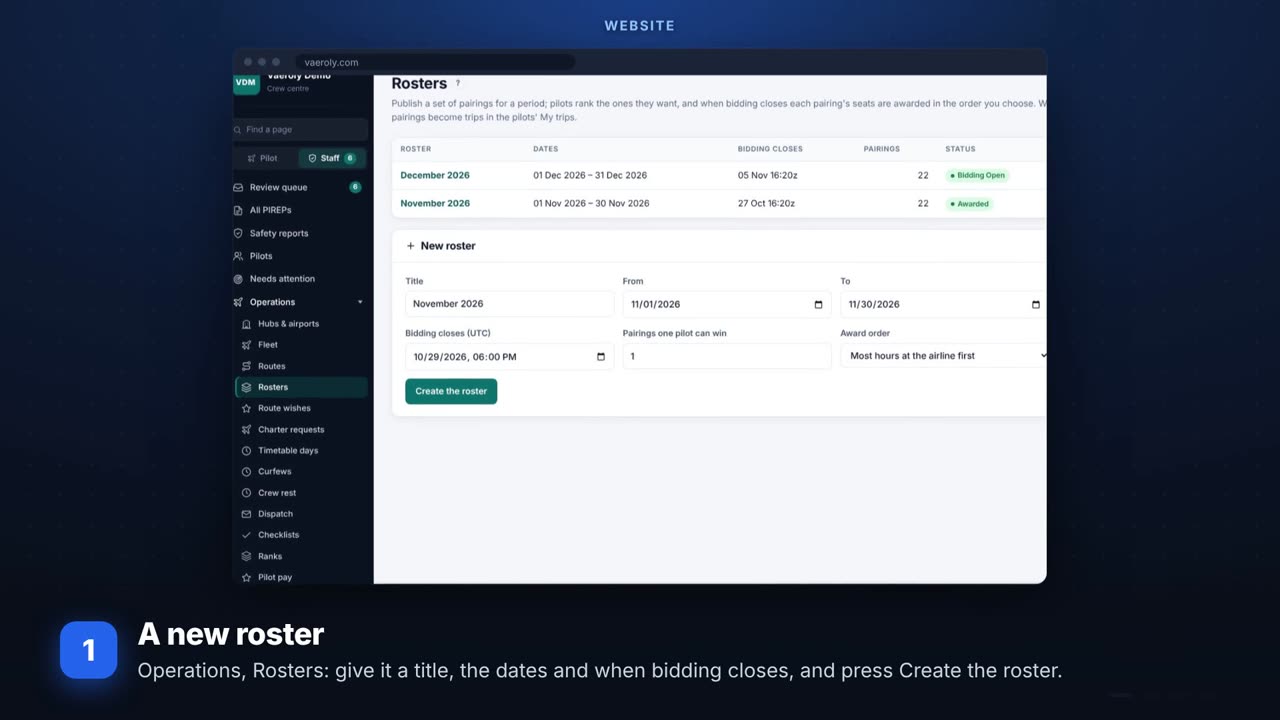 Rosters and biddingPublishing a monthly roster of pairings, pilots bidding, and the trips they win.
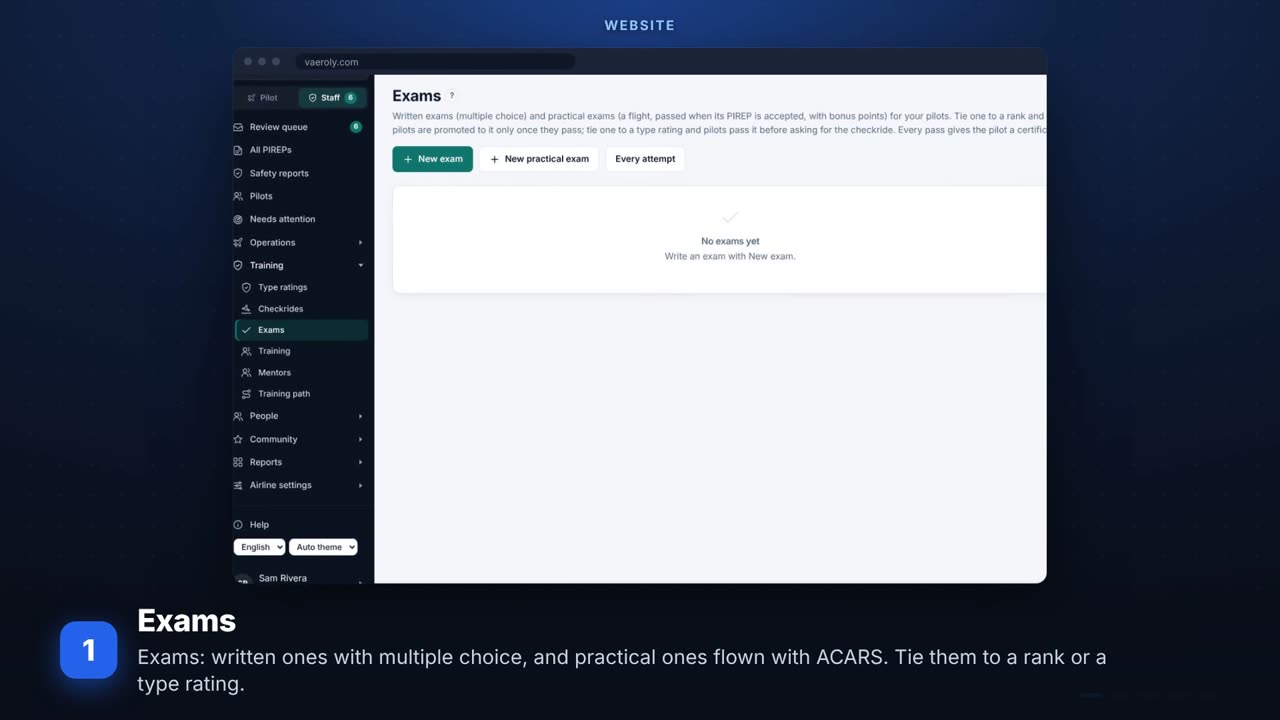 TrainingExams, the training path, training sessions, mentors and type ratings.
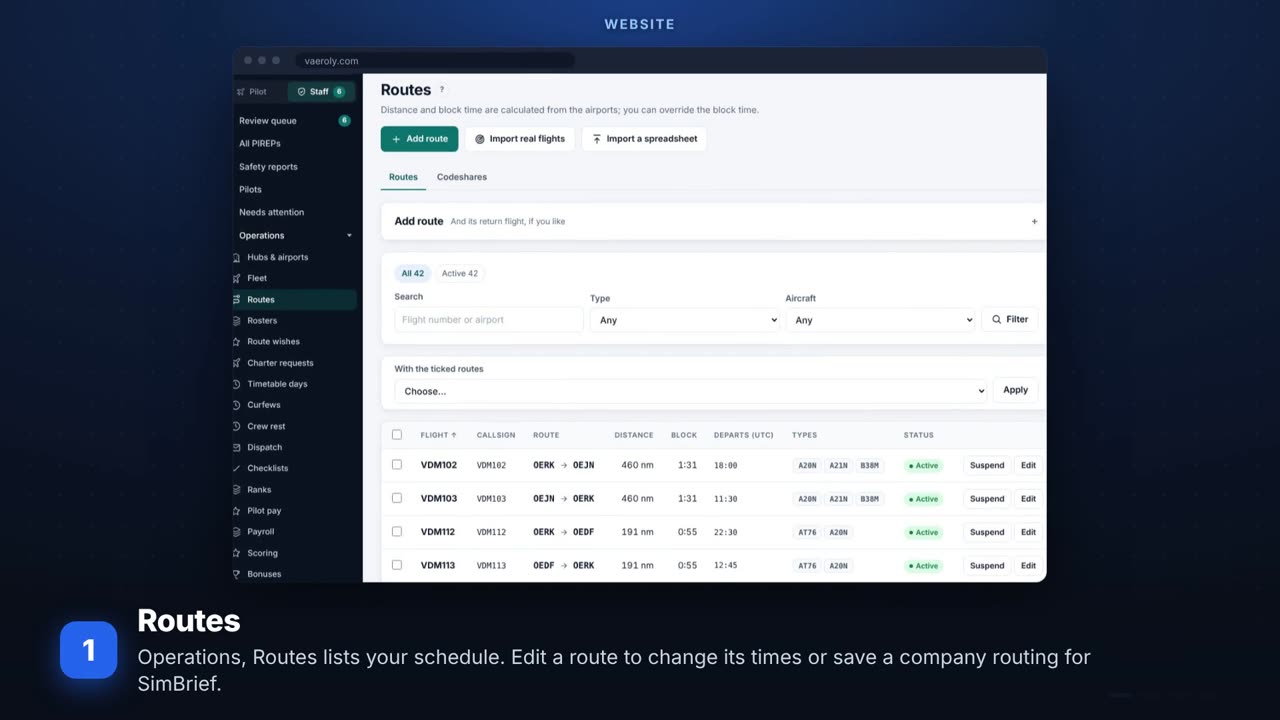 Fleet and routes day to dayEditing routes and company routings, the fleet and where each aircraft is, and charter requests.
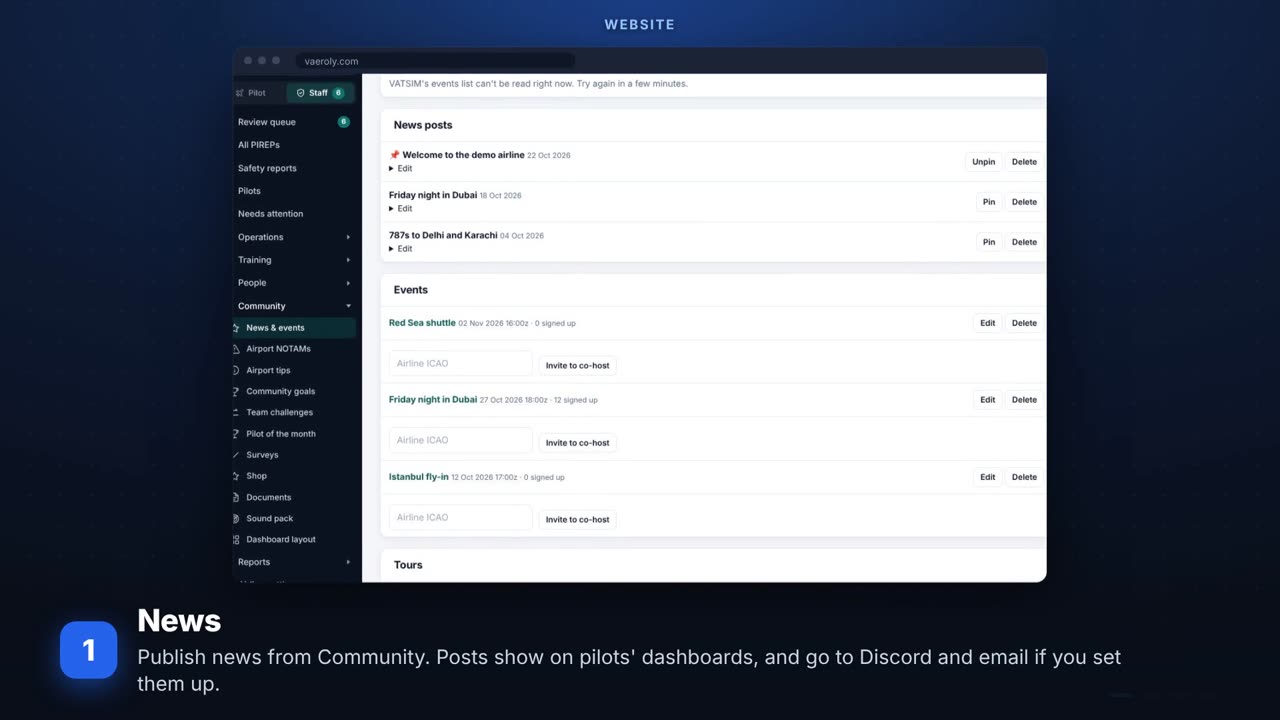 Keeping pilots informedNews posts, airport NOTAMs, your own emails and event notifications.
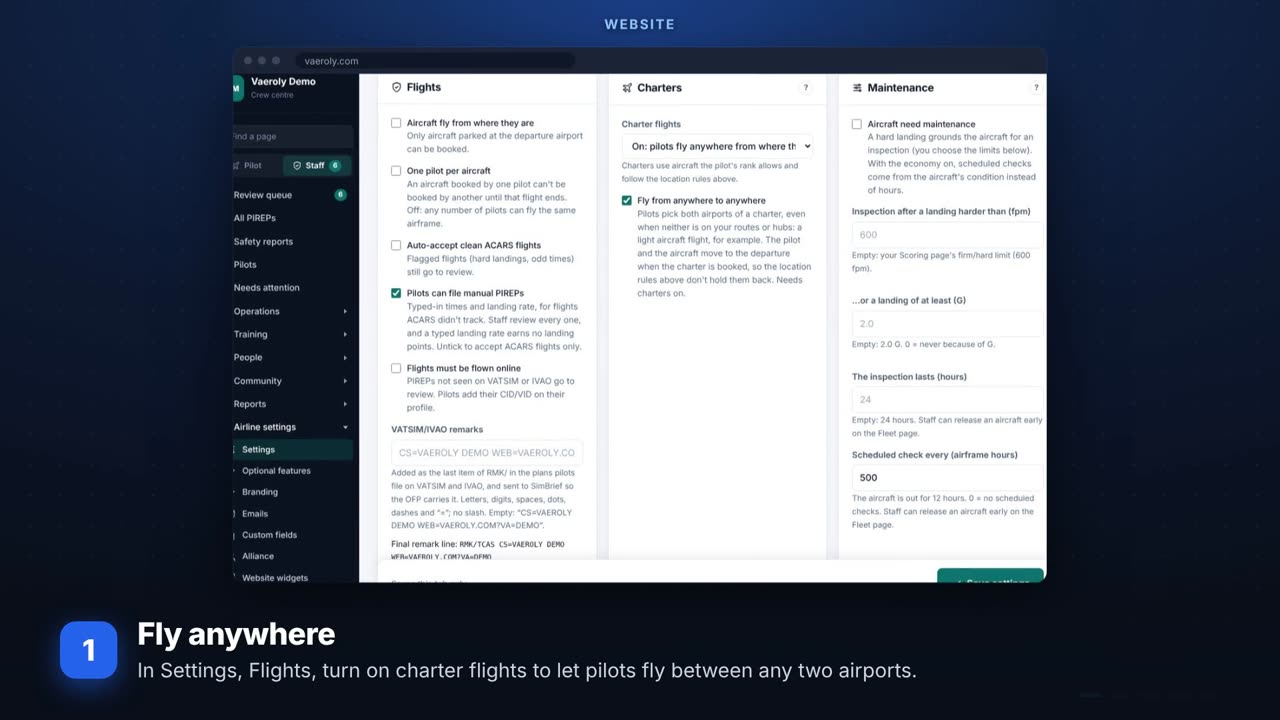 Charters, curfews and market pricesCharters from anywhere to anywhere, airport curfews, market prices, and deleting the whole fleet.
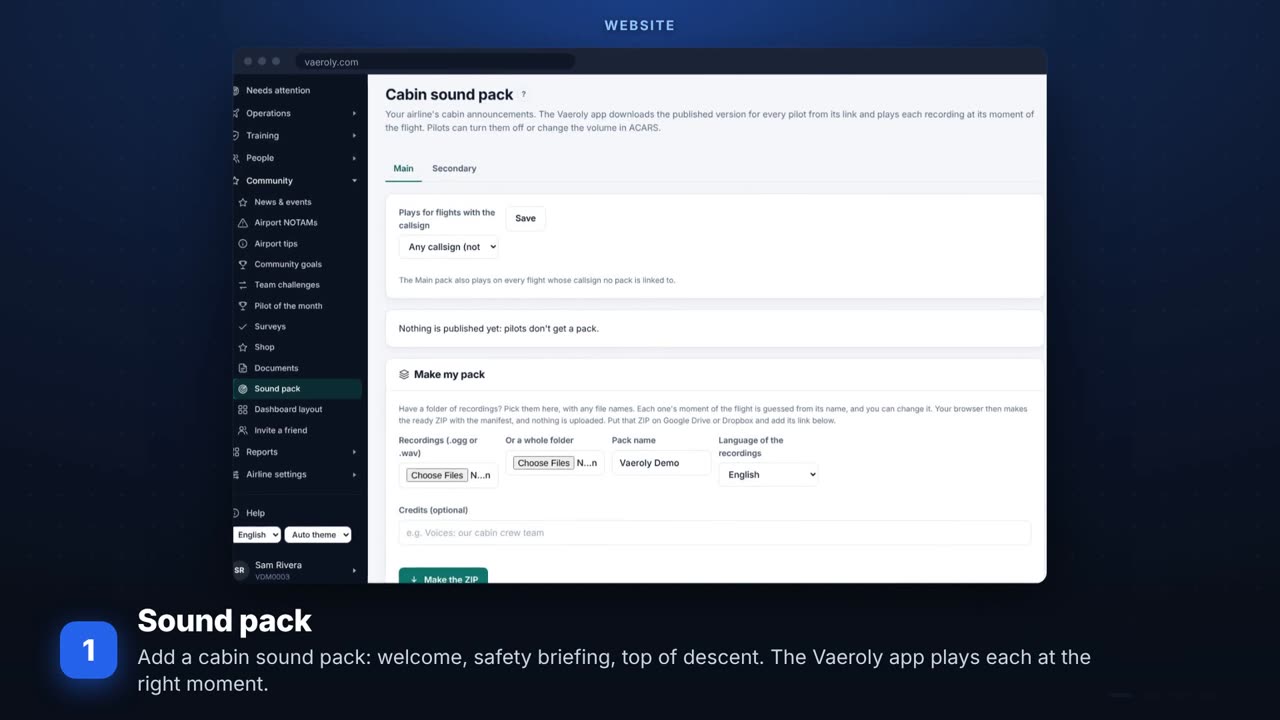 Sound packs and alertsA cabin sound pack, the emergency squawk alert, VATSIM events at your airports and booking reliability.
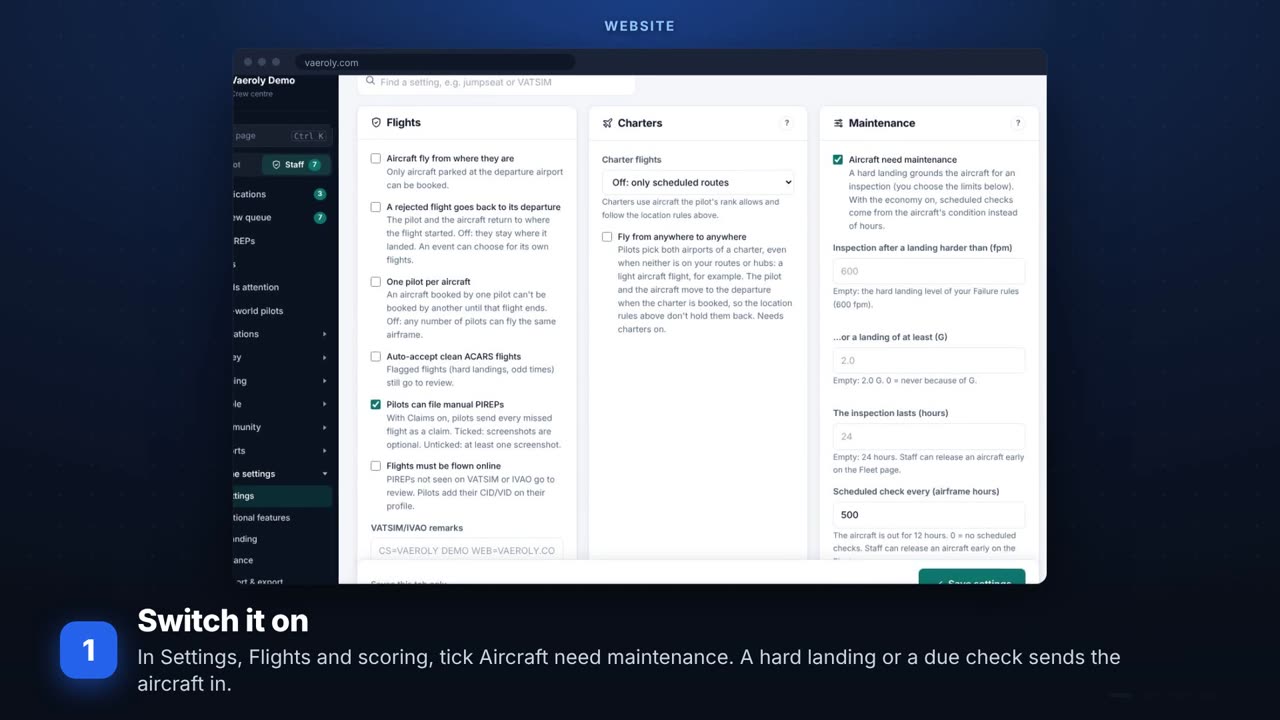 Maintenance and weight checksAircraft maintenance after hard landings and checks, the technical log, and the weight check.
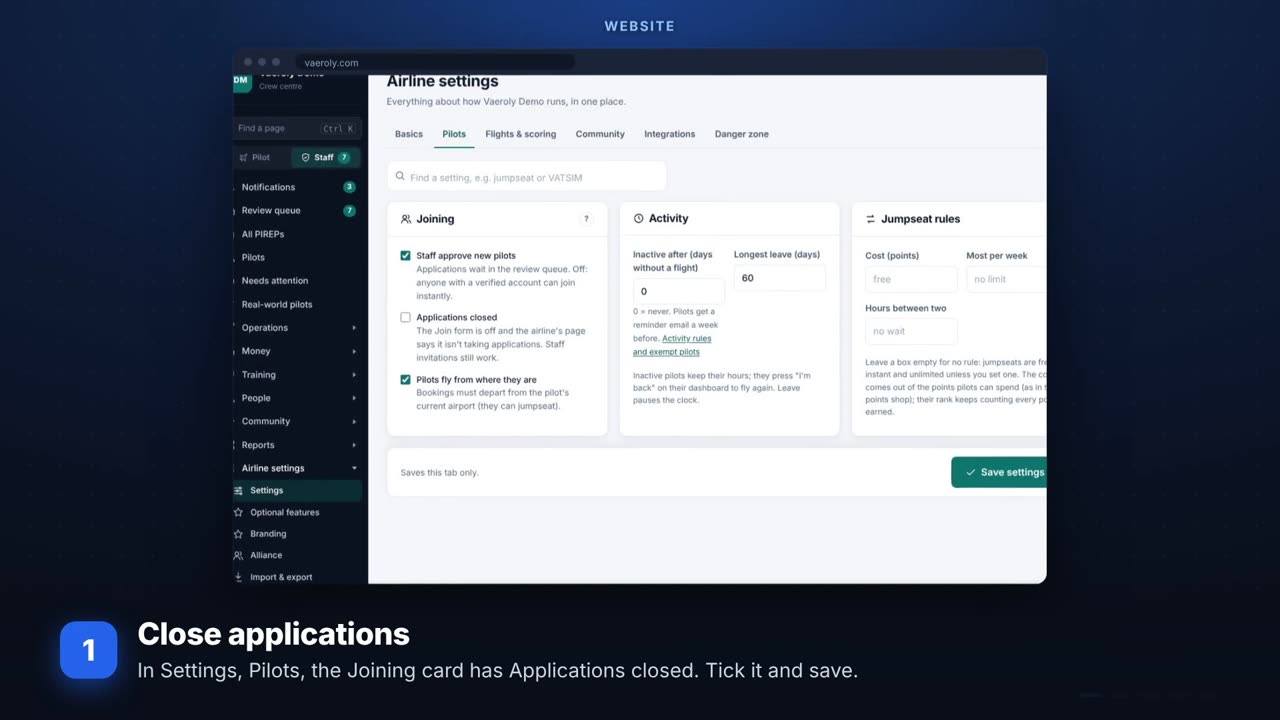 Applications, pay and the staff tabOpening and closing applications, pay and finances, and the EFB Staff tab.
For airline owners
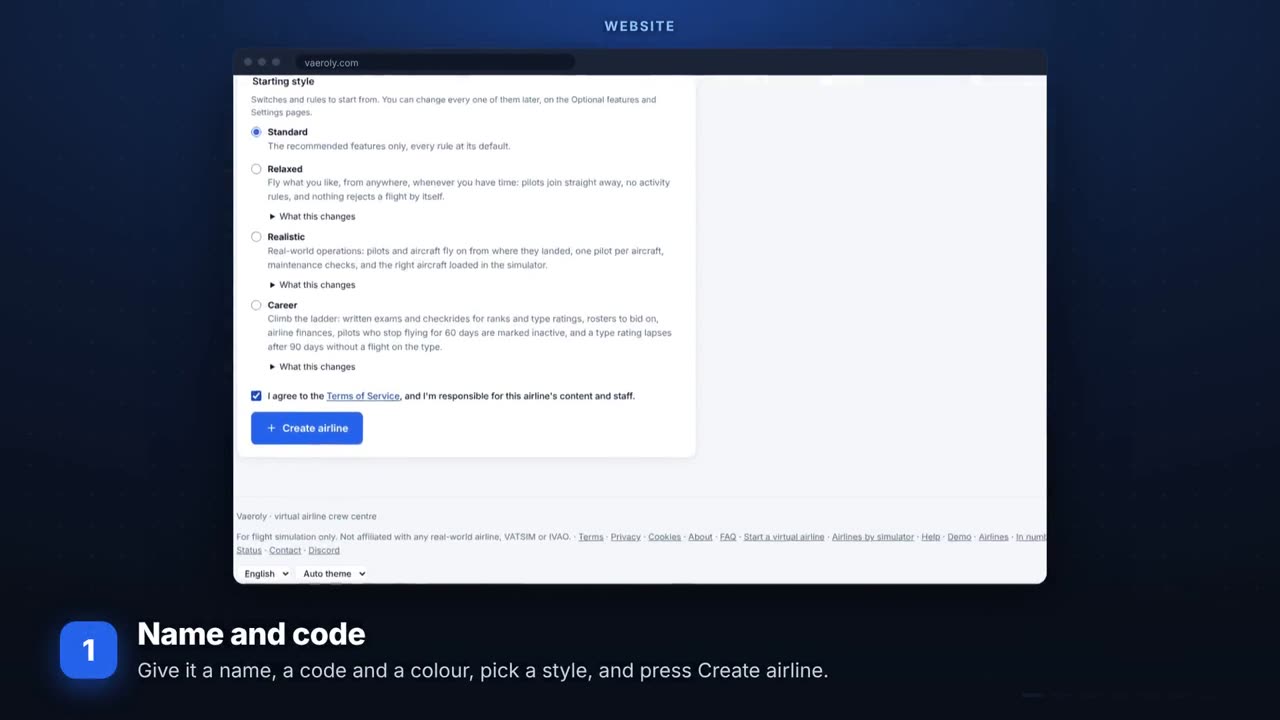 Open your airlineName and code, then the first hub, fleet, routes and ranks.
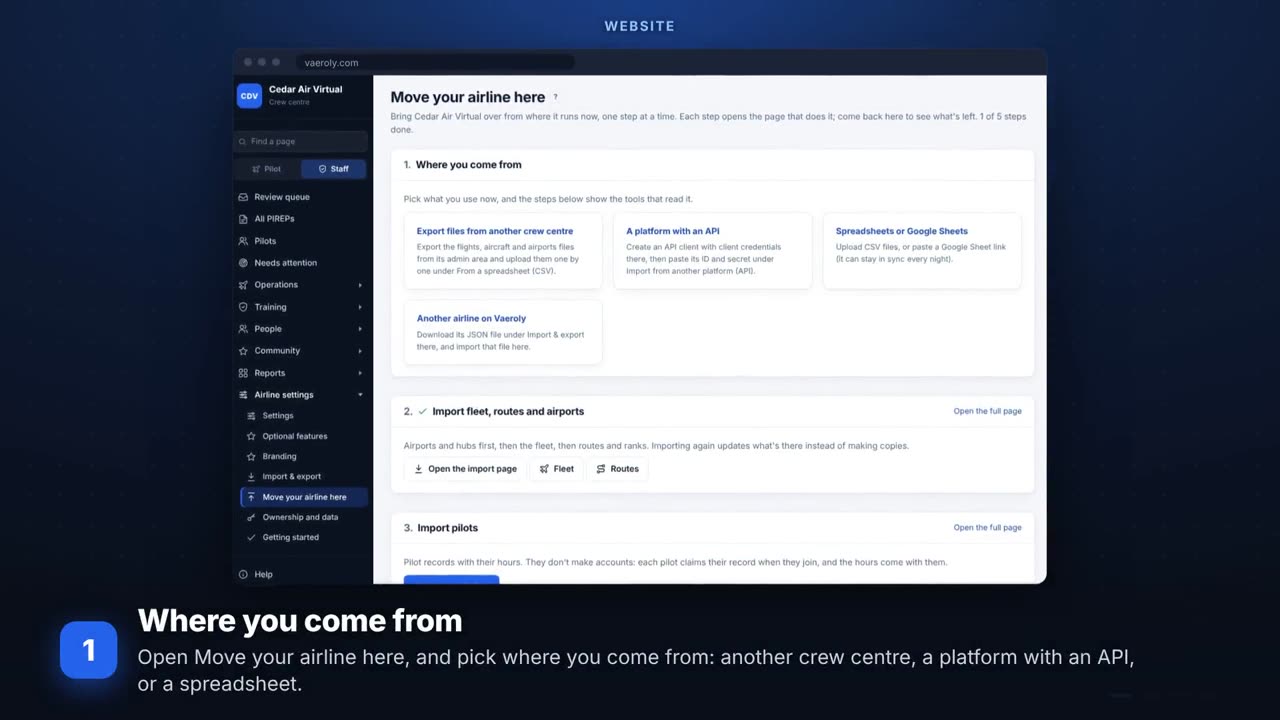 Move your airline to VaerolyBring your fleet, routes, pilots and their hours over in guided steps.
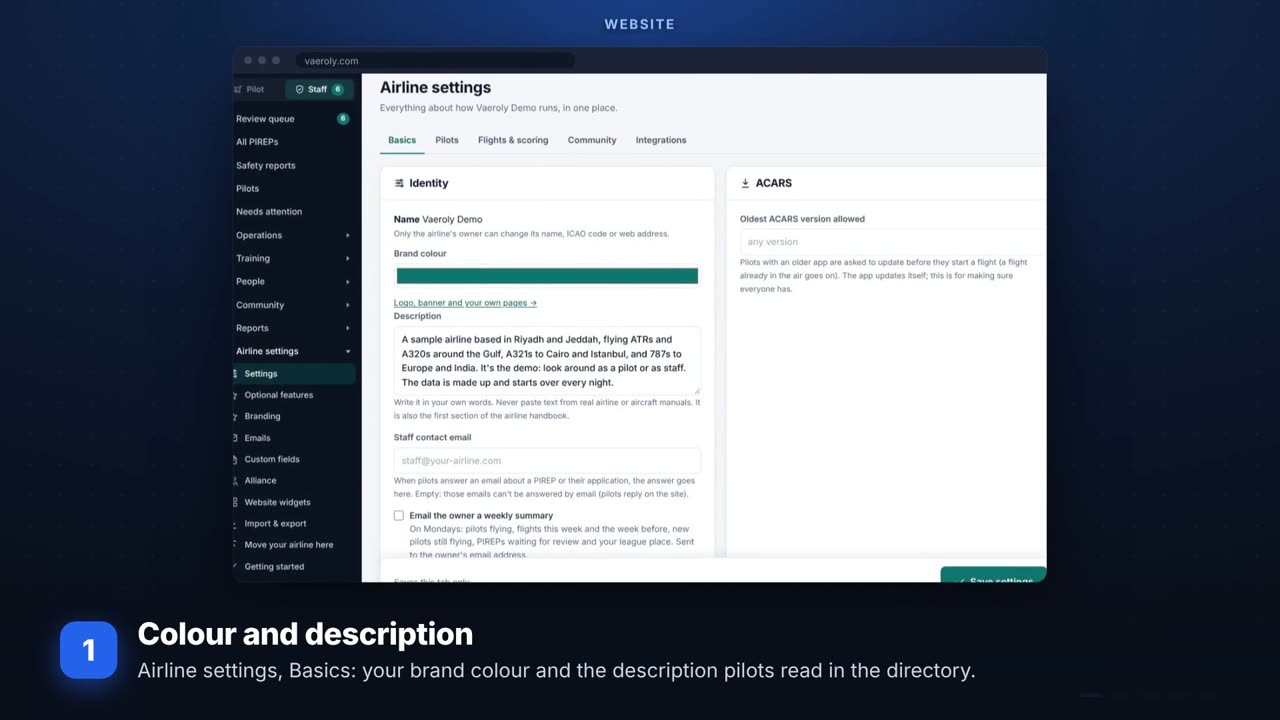 Make it look like your airlineColour and description, logo and banner, your own pages and dashboard blocks.
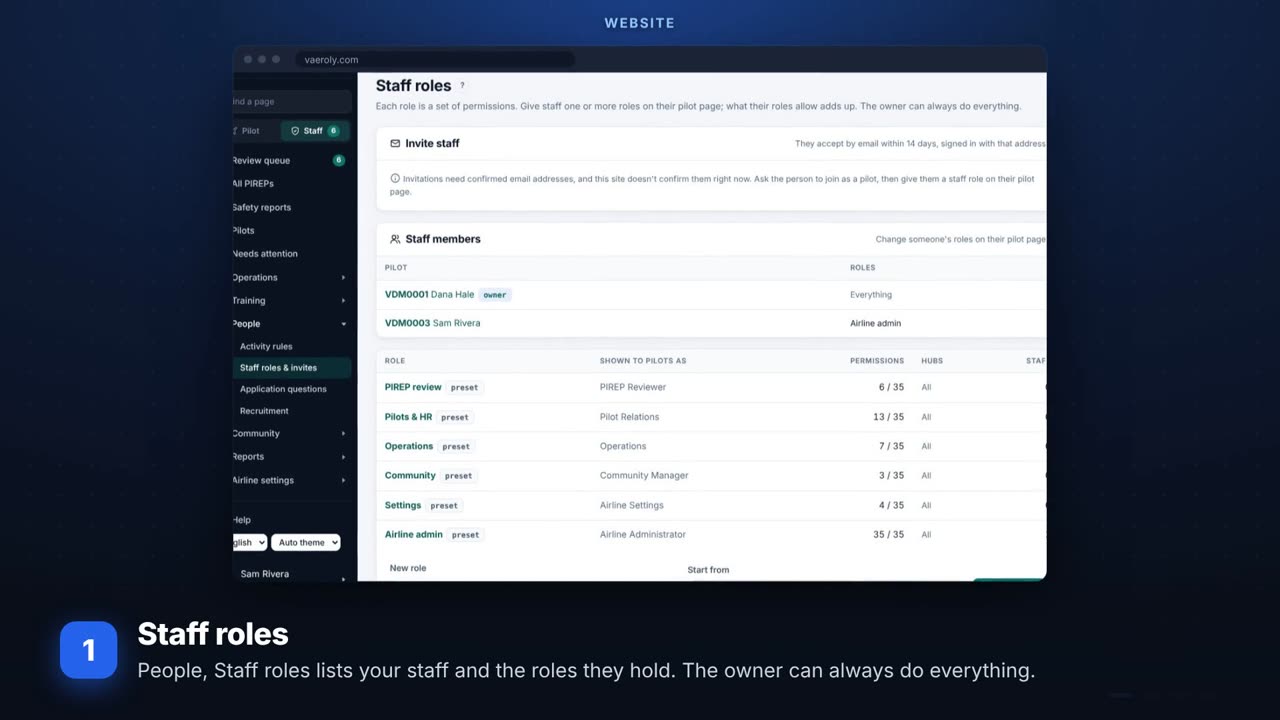 Your staff teamStaff roles and what each can do, giving a pilot staff access, and the activity log.
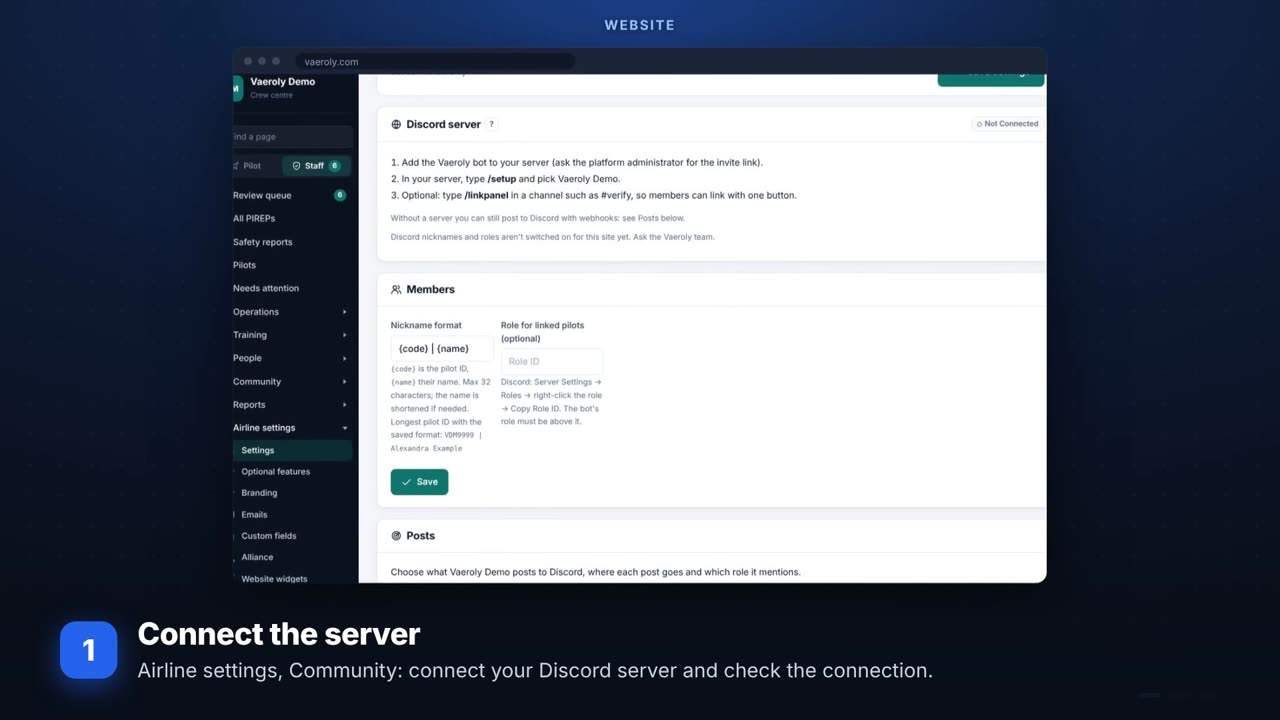 Connect DiscordConnecting your server, nicknames and rank roles, the channels posts go to, and pilots linking.
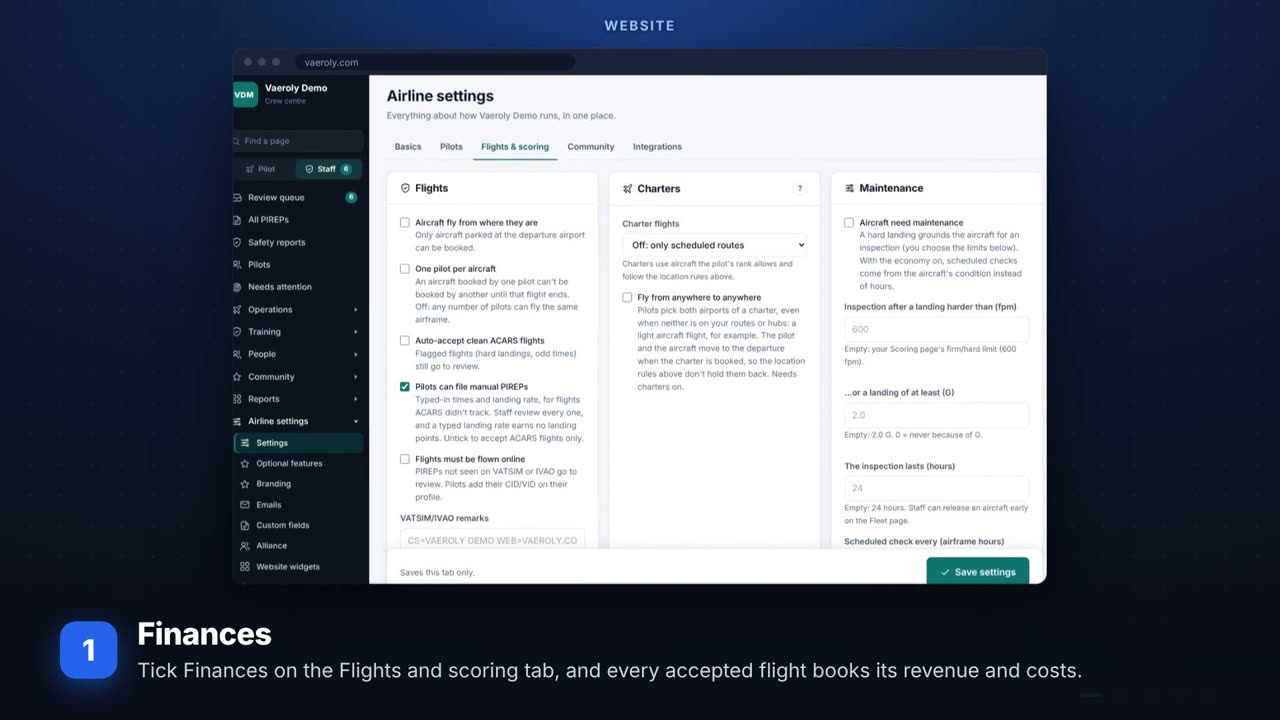 Money in the simFinances, the airline economy, pilot pay and seasonal fares. All virtual money.
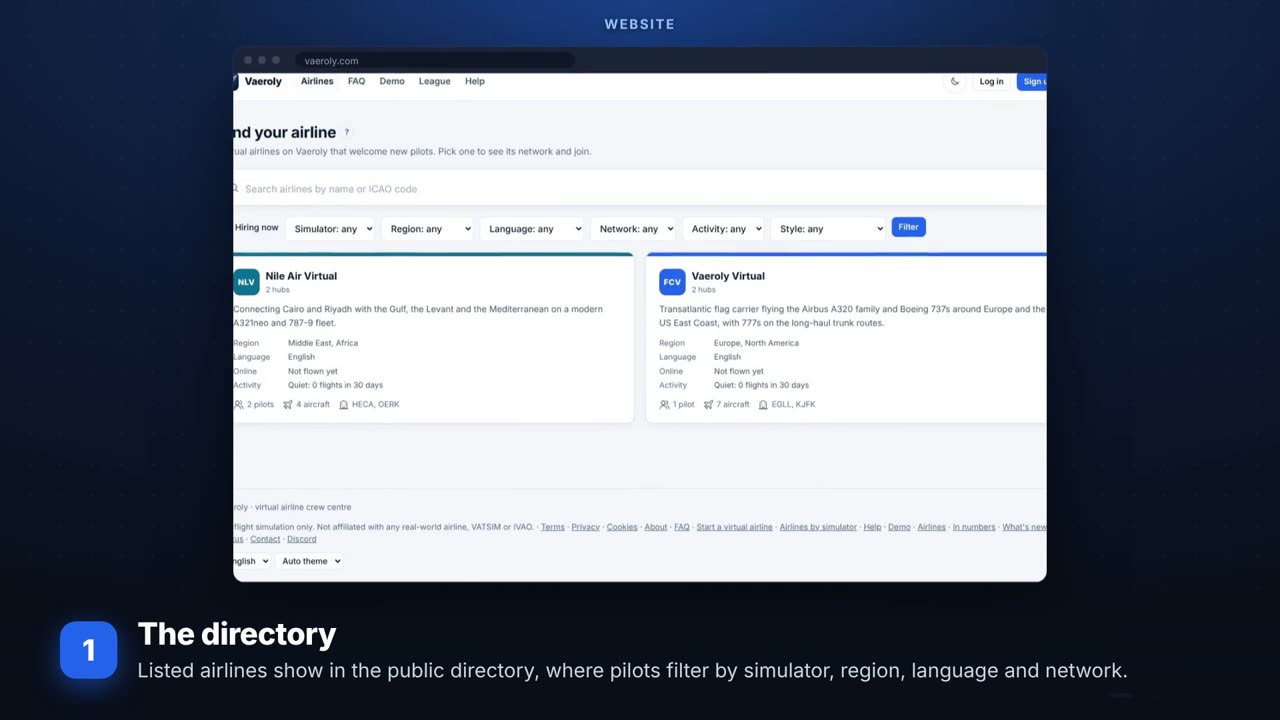 Grow your airlineThe public directory, the hiring card, invite links and pilot reviews.
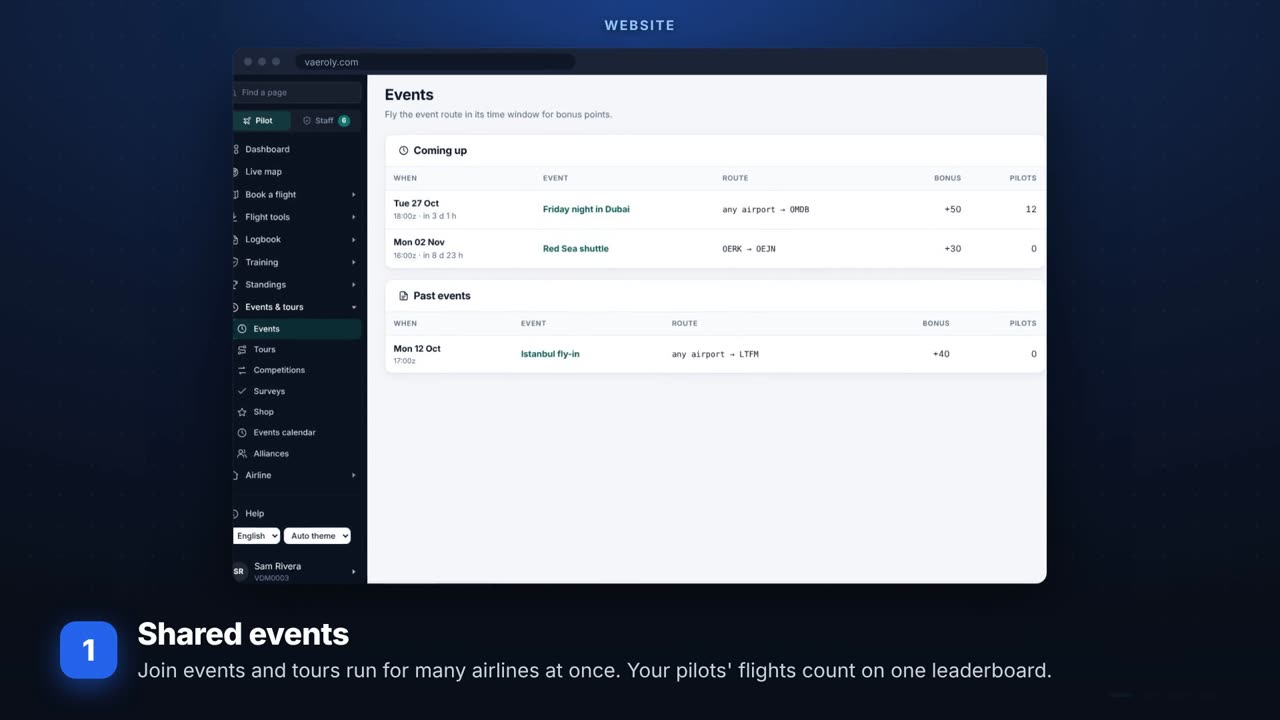 Working with other airlinesEvents with other airlines, alliances, jumpseat rules and website widgets.
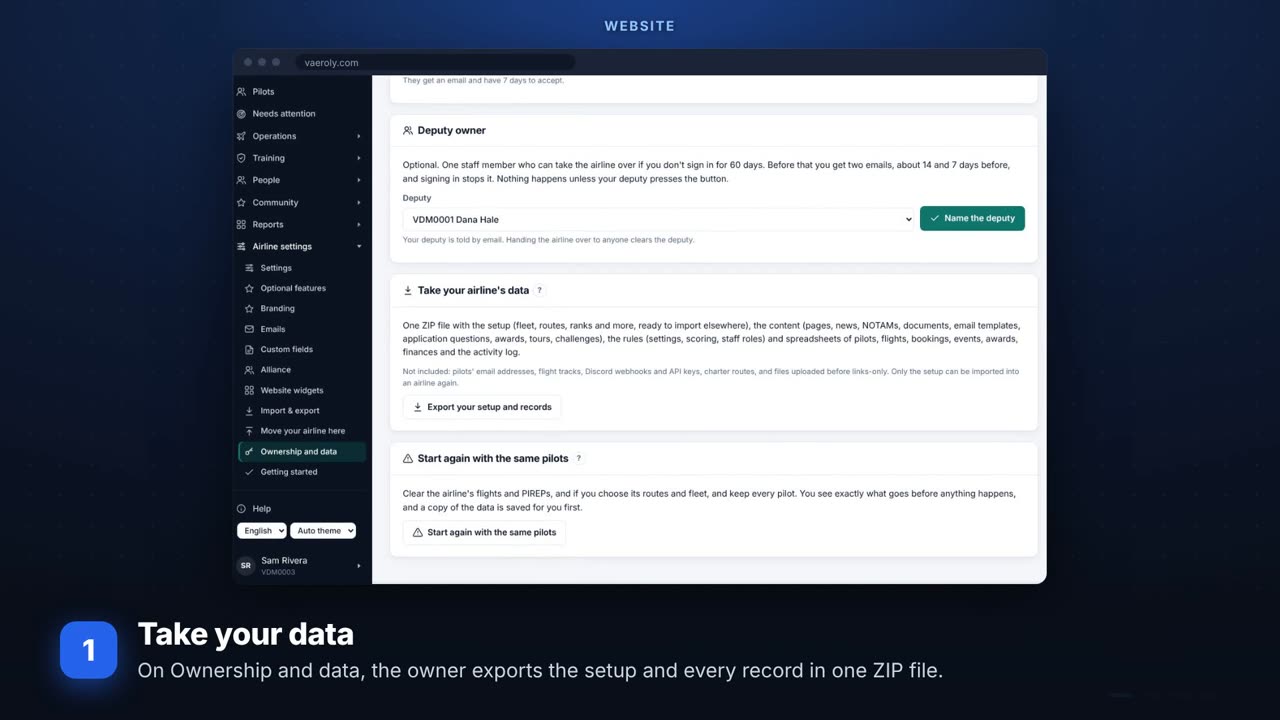 Your dataExporting your setup and records, custom fields, the API key and webhooks, and the activity log.
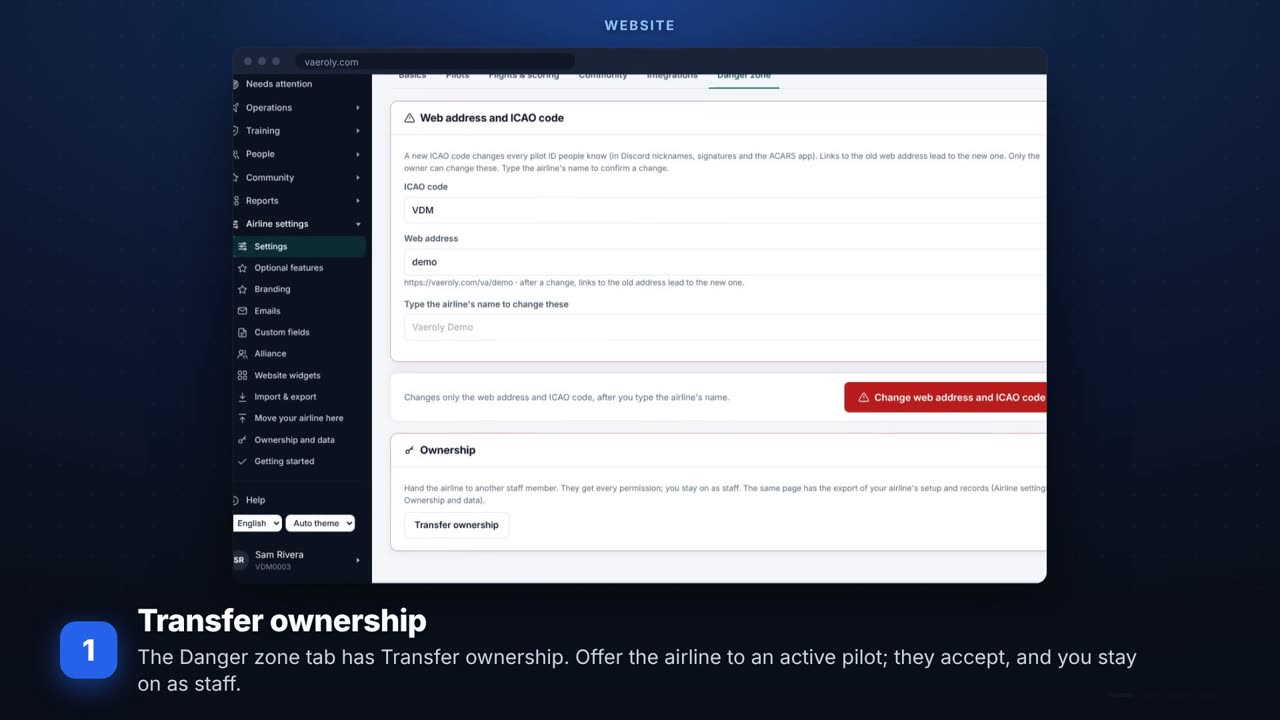 Handing over or starting againTransferring ownership, starting again with the same pilots, and the airline handbook PDF.